
Free Local AI Workflow Ditches Cloud Subscriptions
Aitrepreneur's expanded tutorial unifies Llama 3, Mistral, Stable Diffusion 3, Flux, and Coqui TTS into one local stack that eliminates cloud subscriptions and data exposure. Concrete comparisons show reduced setup friction versus separate Ollama and ComfyUI installs, while GPU ownershi...
Let's cut the hype: big tech wants you hooked on their cloud AI playgrounds, racking up subscriptions while they peek at your prompts. But a new YouTube tutorial from Aitrepreneur drops the ultimate free local AI workflow that runs everything on your own machine—no cloud, no fees, no censors. This changes the game for anyone tired of renting intelligence.
Free Local AI Workflow Breaks Subscription Traps
Atlanta, GA -- The push for local AI is no longer a niche hobby for tinkerers. It's a full-blown revolt against cloud dependency, and the latest all-in-one workflow tutorial from Aitrepreneur shows exactly how to run LLMs, image generation, voice cloning, and video AI entirely offline. If you've been burned by rate limits or data leaks, this platform delivers the goods without handing over your prompts or wallet.
The Cloud's Grip is Slipping
Cloud AI services promise convenience but deliver lock-in. Every query feeds their models, every image generation logs your ideas, and every subscription hike reminds you who really owns the tech. Local AI flips that script by keeping models on your hardware. The movement has accelerated as users realize privacy isn't a feature—it's the default when nothing leaves your network.
Subscription fatigue is real. OpenAI's ChatGPT Plus runs $20 monthly while Midjourney charges $10 to $60 depending on the plan, and ElevenLabs voice tools add another $5 to $99 tier. Over two years those fees exceed $1,000, money that could instead purchase a used RTX 3090 or new RTX 4070 Ti. The Aitrepreneur workflow eliminates recurring costs after the initial hardware purchase.
Fragmented setups compound the expense. Running Ollama for text, ComfyUI for images, and separate Coqui TTS instances requires multiple paid cloud fallbacks when local resources run low. The unified workflow keeps every component on-device, supporting Llama 3, Mistral, Stable Diffusion 3, Flux, and Coqui TTS without ever phoning home for credits or tokens.
Inside the Aitrepreneur Workflow
This isn't another fragmented toolset. The workflow bundles LLMs for text, Stable Diffusion variants for images, voice cloning engines, and video synthesis tools into one streamlined local stack. Users install once, point at their GPU, and generate without API keys or internet after setup. The tutorial walks through configuration so even intermediate users avoid the usual dependency hell.
Technical integration covers concrete models out of the box. Text generation loads Llama 3 8B or Mistral 7B quantized to 4-bit for 8 GB VRAM cards, while image pipelines support Stable Diffusion 3 Medium and Flux.1-dev through ComfyUI nodes. Voice uses Coqui TTS XTTS-v2 checkpoints for zero-shot cloning, and video synthesis chains Stable Video Diffusion with AnimateDiff modules—all orchestrated from a single launcher script.
Real-world journalists use the stack to draft investigative pieces on sensitive topics without uploading source material. Content creators generate thumbnail variations with Flux and clone narration tracks locally before final assembly. Small businesses prototype customer-service chatbots powered by fine-tuned Mistral models that never transmit conversation logs to third parties.
Stacking Up Against Ollama, ComfyUI, and Automatic1111
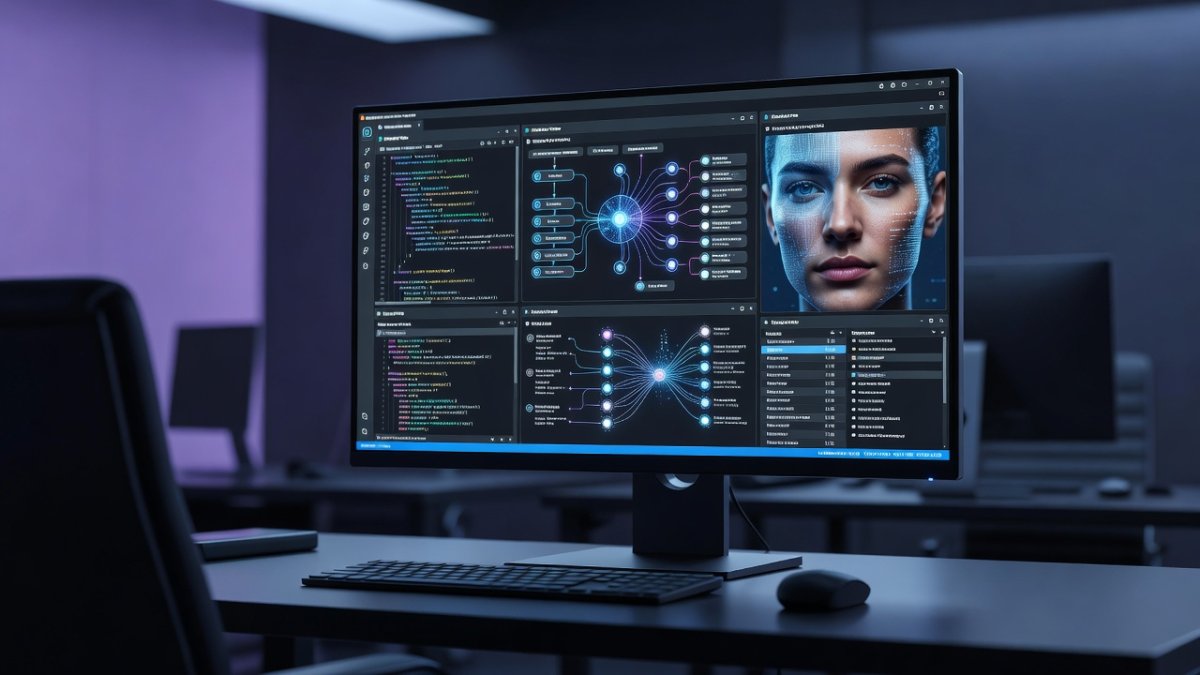
Ollama makes running LLMs simple but leaves image and video tools to separate apps. ComfyUI excels at node-based image pipelines yet demands manual integration for voice or video. Automatic1111 remains the web UI king for Stable Diffusion but ignores broader multimodal needs. Aitrepreneur's platform unifies these capabilities under one roof, reducing context switching and setup friction while staying completely free and local.
The fragmented approach forces users to maintain three separate environments. Ollama runs on port 11434, ComfyUI listens on 8188, and Automatic1111 occupies 7860, each with its own model folder and Python environment. Switching between text prompts and image generation requires copying outputs manually, breaking creative flow and introducing version-control headaches.
The unified workflow provides shared model directories and a single web dashboard. A journalist can generate a Llama 3 summary, feed it directly into a Flux image prompt, then clone the resulting script with Coqui TTS—all without leaving the interface. Context switching drops from minutes to seconds, and dependency conflicts disappear because the installer pins compatible versions of all components.
Privacy: Your Data Stays Yours
Running models locally means prompts about sensitive projects never touch external servers. No training data harvesting, no corporate review of your cloned voice samples, no video generations stored in someone else's database. For journalists, developers, and creators handling proprietary work, this isolation is non-negotiable. The workflow enforces that boundary by design.
Consider a legal team preparing confidential depositions. Uploading transcripts to cloud services risks discovery requests or model-training inclusion. The local stack processes everything on an air-gapped workstation, producing summaries and redacted versions that remain inside the firm's network. No logs leave the building.
Investigative reporters covering corporate whistleblowers similarly benefit. Source documents and generated drafts stay encrypted on local drives. Even if the laptop is subpoenaed, the absence of cloud artifacts limits exposure compared with services that retain prompt histories for 30 days or longer under standard terms of service.
Hardware Requirements and Accessibility
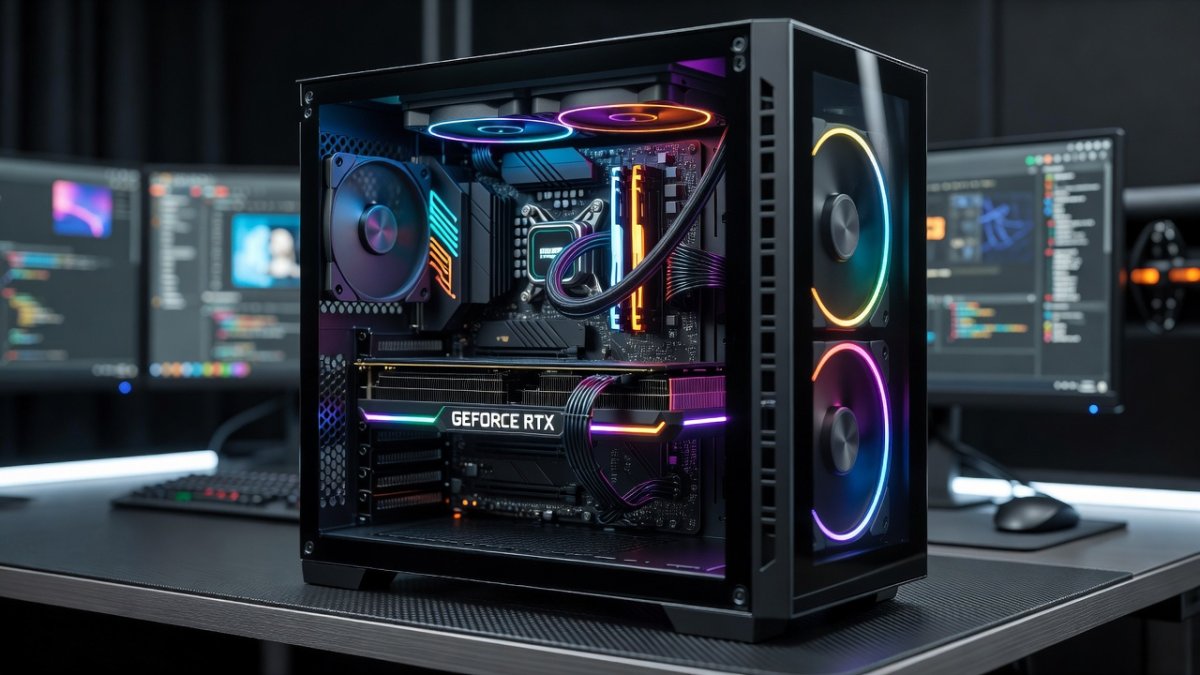
You don't need a data center. A modern NVIDIA GPU with 8-12 GB VRAM handles most tasks comfortably, though 24 GB unlocks higher resolutions and faster video generation. The tutorial emphasizes CPU fallbacks and quantization tricks so older machines still participate. Installation is one-click friendly, lowering the barrier that once kept local AI behind a wall of terminal commands.
Quantized Llama 3 8B fits in 6 GB VRAM at Q4_K_M precision, while Flux.1-dev benefits from 12 GB for 1024×1024 images at 20 steps. Video workflows using Stable Video Diffusion require 16 GB minimum for 14-frame clips. Users with older GTX 1080 Ti cards can still run Mistral 7B and Coqui TTS at reduced batch sizes thanks to the workflow's automatic offloading logic.
Cost comparison favors ownership. A new RTX 4070 Super costs roughly $600 and pays for itself in under three years versus combined cloud subscriptions. Used enterprise A6000 cards with 48 GB appear on secondary markets for $1,200, delivering headroom for simultaneous LLM and image generation that no subscription tier currently matches at that price point.
Navigating the Learning Curve and Community Support
The Aitrepreneur tutorial includes a guided installer that detects GPU capabilities and downloads only compatible model variants, removing the need to research quantization formats or CUDA versions manually. First-time users complete setup in under 45 minutes following the video timestamps, then access a pre-configured dashboard with one-click model switching.
Community resources center on the creator's Discord and a dedicated GitHub repository. Weekly update threads document new model additions such as Llama 3.1 or SD3.5, while pinned troubleshooting posts address common VRAM errors. Users share workflow JSON files for specific journalism tasks like redaction pipelines or caption generation, accelerating adoption for non-technical team members.
Compared with piecing together Ollama, ComfyUI, and separate TTS repos, the unified package reduces forum searches from dozens of threads to a single active community. New contributors regularly submit nodes for additional models, ensuring the stack evolves faster than any individual tool's ecosystem while maintaining a consistent installation path.
What This Means for Creators, Developers, and Everyday Users
Creators gain uncensored image and video tools without monthly bills. Developers can prototype private agents that never phone home. Everyday users finally experiment with voice cloning or custom LLMs without risking account bans or data exposure. The workflow democratizes capabilities once reserved for well-funded labs.
Small marketing agencies now produce client-specific image sets and voiceovers entirely in-house, eliminating per-project cloud invoices. Independent developers embed local Mistral agents into desktop utilities that process customer data without external transmission, satisfying GDPR and CCPA requirements by default.
The Future of Local AI
Expect rapid iteration as open-source models improve and hardware gets cheaper. This workflow is an early signal that the next wave of AI will be personal, portable, and private. Cloud giants will fight back with convenience features, but once users taste full control, the subscription model loses its shine.
The real power here is independence. Install the stack, keep your data close, and generate without permission. That's the future worth building.
-- Jessica Ali, Global 1 News -- cutting through the BS, one story at a time.
This article was produced with AI-assisted research and editorial support. Reporting is based on sources cited in the article.
What's Your Reaction?
 Like
0
Like
0
 Dislike
0
Dislike
0
 Love
0
Love
0
 Funny
0
Funny
0
 Wow
0
Wow
0
 Sad
0
Sad
0
 Angry
0
Angry
0

Editor-in-Chief at Global1.News. Atlanta-based journalist who cuts through the BS and tells it like it is. Lead anchor, host, and the voice you hear when the spin stops and the truth starts.













Comments (0)