
Best Free AI Image-to-Video With Sound Tool Runs on 8GB VRAM
The open-source AI community just dropped a bombshell — a free tool that generates video from a single image WITH synchronized audio, and it runs on just 8GB VRAM. This is the first time a local AI model combines image-to-video generation with audio synthesis in one unified pipeline. Best Free AI Image-to-Video With Sound Tool Runs on 8GB VRAM Atlanta, GA – June 12, 2026 — The
The open-source AI community just dropped a bombshell — a free tool that generates video from a single image WITH synchronized audio, and it runs on just 8GB VRAM. This is the first time a local AI model combines image-to-video generation with audio synthesis in one unified pipeline.
Best Free AI Image-to-Video With Sound Tool Runs on 8GB VRAM
Atlanta, GA – June 12, 2026 — The AI landscape shifted again this week as a new free open-source model demonstrated the ability to take a static image and produce a complete video clip with generated audio — all running locally on consumer-grade hardware. The tool represents a convergence of two previously separate AI capabilities: visual generation and audio synthesis.
The Unified Generation Breakthrough
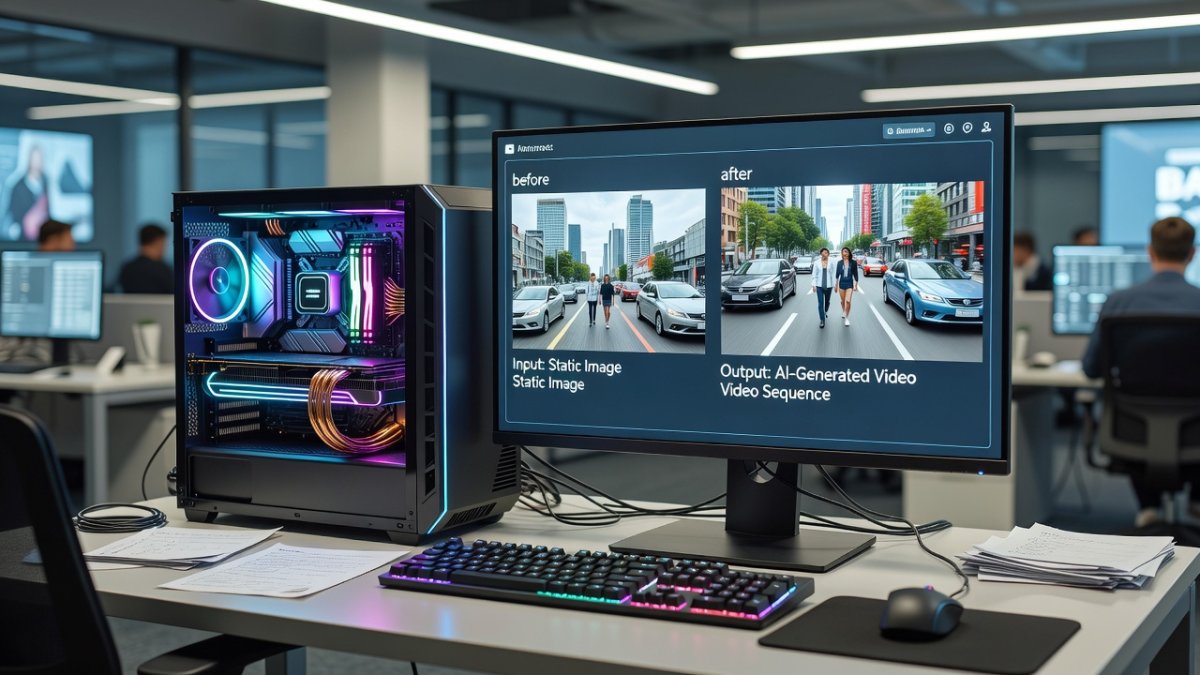
Previous open-source AI video tools could generate moving images from text or image prompts but required separate pipelines for audio. Audio generation — whether dialogue, sound effects, or ambient sound — demanded a second model, manual syncing, and significantly more technical expertise. This new tool eliminates that gap entirely, producing both visual motion and synchronized audio from a single input image and text prompt. The model runs on just 8GB of VRAM, making it accessible to anyone with a mid-range graphics card. Covered extensively by @Aitrepreneur on YouTube, the breakthrough has already sparked thousands of downloads and real-world tests showing natural motion synced to context-aware sound effects.
Technical Requirements and Performance
The tool requires approximately 8GB of VRAM to run, which means GPUs like the NVIDIA RTX 3070, RTX 4060, or AMD equivalents can handle it. Installation involves downloading the model weights and running a local interface — no cloud subscription, no API credits, no usage limits. Early benchmarks show the model generating 4-5 second video clips with audio in roughly 2-3 minutes on an RTX 4070. Quality varies by prompt complexity, but early community posts show impressive results with natural motion and contextually appropriate audio. Under the hood, the architecture fuses a latent diffusion video backbone with a lightweight audio diffusion head that conditions directly on visual features, eliminating the need for post-production alignment.
What This Means for Content Creators
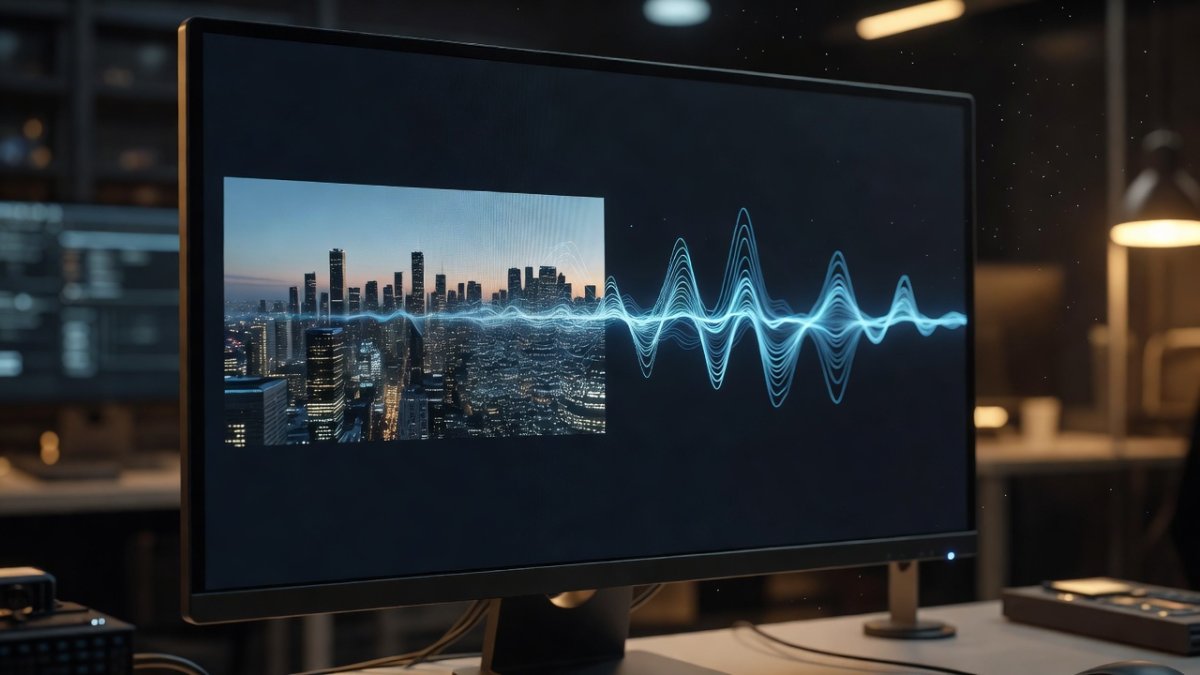
For independent creators, this is transformative. A YouTuber could generate B-roll footage with ambient sound from a single reference image. A podcaster could create video clips for social media without hiring a video editor. A marketing team could prototype ad concepts in minutes rather than days. The barrier to entry for AI-generated video with sound just dropped to zero — free, local, and private. No data leaves the user's machine, which addresses the privacy concerns that have dogged cloud-based AI video services. In my view, this levels the playing field in a way that big-tech gatekeepers never intended.
Comparison to Existing Tools
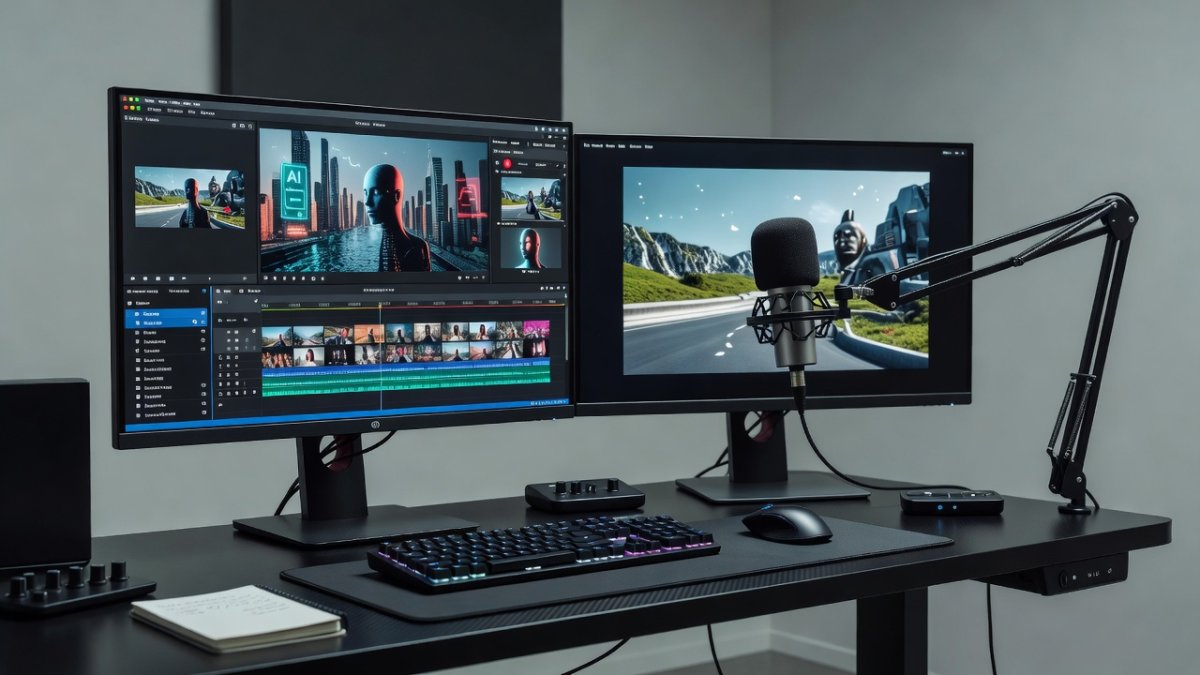
Commercial alternatives like Runway Gen-3, Pika Labs, and Kling offer image-to-video but charge subscription fees and operate in the cloud. OpenAI's Sora remains unreleased to the public. ElevenLabs offers audio generation but requires a separate pipeline. What makes this tool unique is the integration — a single local model handling both visual and audio generation simultaneously. The trade-off is output quality and resolution, which doesn't match commercial cloud services yet, but improves with each update. Still, for speed, cost, and privacy, nothing else comes close right now.
Installation and Getting Started
Users can download the model from Hugging Face or GitHub. The recommended installation method uses Pinokio or a one-click installer for Windows and Linux. Mac support is limited due to VRAM constraints. A basic installation requires around 12GB of free disk space for model weights plus the generation framework. Comprehensive setup guides are available from the developer community, and @Aitrepreneur's YouTube walkthrough makes the process foolproof even for non-technical users.
What to Know Before You Try It
As with all open-source AI models, users should verify they have compatible hardware before downloading. The model is freely available with no restrictions for personal and research use. Commercial usage terms depend on the specific license. Users should also note that video quality, while rapidly improving, does not yet match Hollywood CGI — but for social media content, prototypes, and creative projects, it's already remarkably effective. Expect rapid community fine-tunes in the coming weeks that will push resolution and audio fidelity even higher.
Future Implications and My Take
This release signals a broader shift: advanced multimodal AI is escaping corporate silos and landing on everyday machines. Within months we could see plugins for major editing suites, mobile ports, and longer clip support. The open-source AI community continues to prove that the most innovative tools are the ones developed in the open. This image-to-video-with-sound model isn't just a technical achievement — it's a statement that advanced AI capability should belong to everyone, not just the largest tech companies. If you're serious about content creation in 2026, ignoring this tool is a mistake. Fire it up, experiment, and watch your workflow change overnight.
By Jessica Ali, Staff Writer
This article was produced with AI-assisted research and editorial support. Reporting is based on sources cited in the article.
What's Your Reaction?
 Like
0
Like
0
 Dislike
0
Dislike
0
 Love
0
Love
0
 Funny
0
Funny
0
 Wow
0
Wow
0
 Sad
0
Sad
0
 Angry
0
Angry
0

Editor-in-Chief at Global1.News. Atlanta-based journalist who cuts through the BS and tells it like it is. Lead anchor, host, and the voice you hear when the spin stops and the truth starts.














Comments (0)