
Z-Image Turbo LoRA Training Puts AI Tools on Consumer GPUs
The release of accessible training guides for Z-Image Turbo marks a shift in who can create specialized AI image models. A December 13, 2025 YouTube tutorial with 46,822 views and a 5.0 rating from 1,422 ratings demonstrates step-by-step LoRA fine-tuning on GPUs with as little as 8-12 GB VRAM. This development arrives as U.S. policy focuses on national leadership in artificial
The release of accessible training guides for Z-Image Turbo marks a shift in who can create specialized AI image models. A December 13, 2025 YouTube tutorial with 46,822 views and a 5.0 rating from 1,422 ratings demonstrates step-by-step LoRA fine-tuning on GPUs with as little as 8-12 GB VRAM. This development arrives as U.S. policy focuses on national leadership in artificial intelligence through an action plan unveiled in recent months.
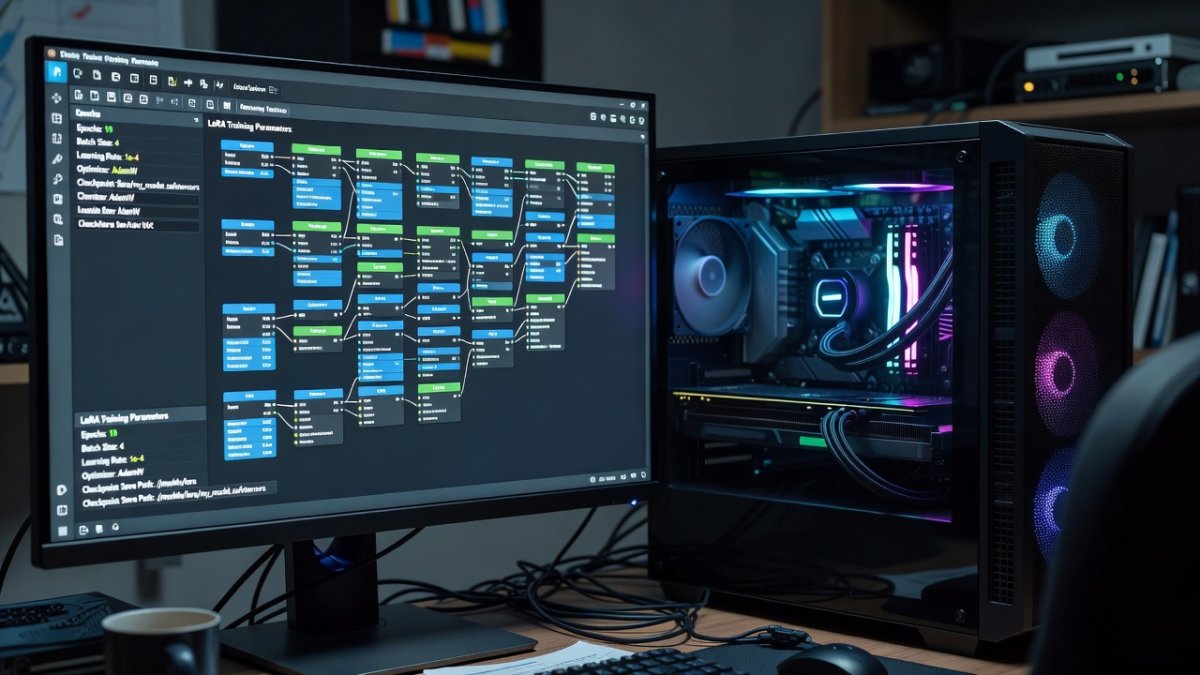
Free Open-Source AI Image Training Comes to Consumer GPUs as Z-Image Turbo LoRA Goes Mainstream
Atlanta, GA – June 12, 2026 — The video tutorial titled "ULTIMATE FREE LORA Training Z-IMAGE-TURBO! Less Than 12GB VRAM!" outlines dataset preparation, training settings, and ComfyUI integration for the model released by Alibaba Cloud's Tongyi Lab. Z-Image Turbo operates as a distilled open-weight system optimized for reduced inference time and lower memory use compared with earlier diffusion architectures.
The New King of Open-Source Image Generation
Z-Image Turbo was developed and open-sourced by Alibaba Cloud's Tongyi Lab. The model supports generation tasks on hardware such as the RTX 3060 12 GB and RTX 3090. Its architecture allows fine-tuning through Low-Rank Adaptation adapters, enabling users to add custom characters, styles, or objects without retraining the full base weights.
LoRA Training: What Makes It a Game-Changer
The tutorial covers preparation of image datasets with captions, selection of training parameters in the Ostris AI Toolkit, and final integration inside ComfyUI workflows. Because the process targets only low-rank matrices, training sessions complete on single consumer cards rather than multi-GPU servers. The resulting adapters remain small files that load alongside the base model at inference time.
Under the Hood: How Z-Image Turbo Achieves Speed
Distillation techniques applied during development reduce the number of sampling steps required for high-quality output. This yields faster generation while maintaining compatibility with standard consumer GPUs. Memory optimizations further allow the model to function within the 8-12 GB VRAM envelope cited in the training guide.
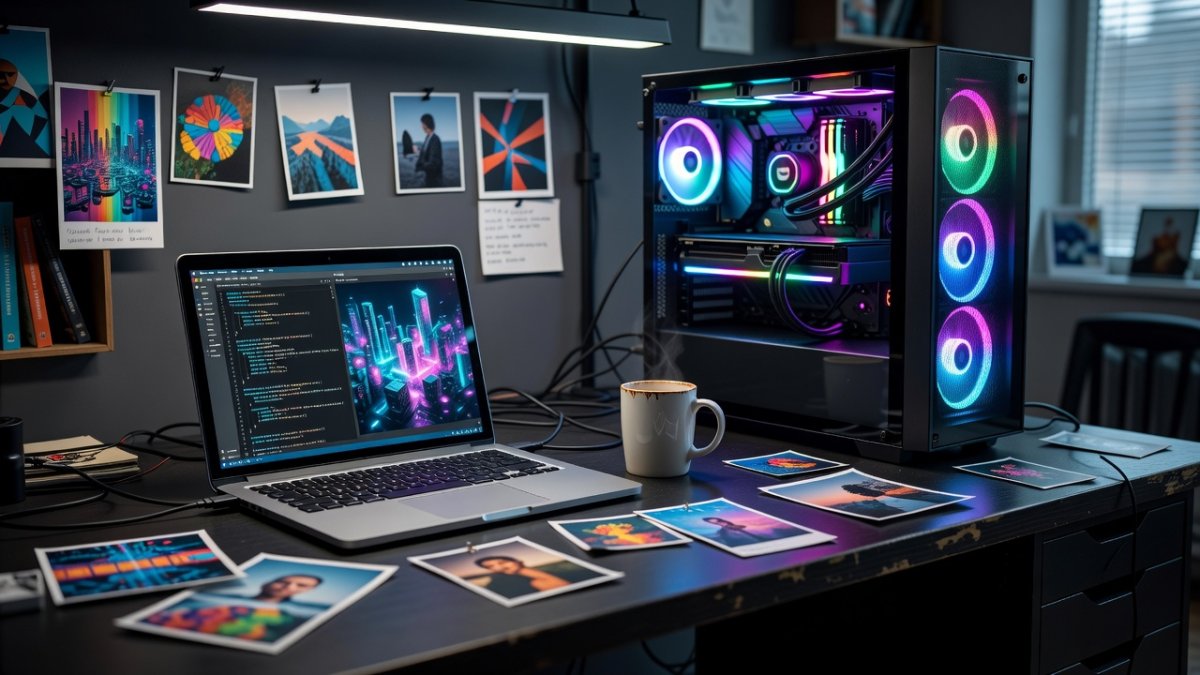
The Open-Source Advantage Over Proprietary AI
Z-Image Turbo carries a commercially permissive license that permits both research and commercial use of trained adapters. This stands in contrast to certain closed or restricted-weight models that limit redistribution or derivative commercial applications. The open weights and documented training pipeline lower barriers for independent developers and small studios.
Broader Context: US AI Action Plan and Global Competition
Recent U.S. policy statements, including the AI action plan referenced in Associated Press coverage of former President Trump's remarks, emphasize securing technological leadership through domestic infrastructure and export controls. At the same time, publicly available models from Chinese laboratories continue to expand the set of tools accessible worldwide. The Z-Image Turbo release and its accompanying training resources illustrate how open-source contributions operate alongside national strategic initiatives.
What This Means for Creators
Artists and developers with mid-range hardware can now produce specialized image generators without cloud rental costs. The tutorial's 5.0 rating indicates consistent viewer success with the provided settings. Users report training sessions that fit within typical overnight workflows on single RTX 3060 or 3090 cards.
What to Know Before You Start Training
Prospective users should verify GPU VRAM capacity and prepare at least several dozen high-quality, captioned images per concept. The Ostris AI Toolkit requires installation of specific Python dependencies, and ComfyUI node updates may be necessary for adapter loading. The December 2025 video remains the primary public walkthrough for these exact steps on Z-Image Turbo.
By Jessica Ali, Staff Writer
This article was produced with AI-assisted research and editorial support. Reporting is based on sources cited in the article.
What's Your Reaction?
 Like
0
Like
0
 Dislike
0
Dislike
0
 Love
0
Love
0
 Funny
0
Funny
0
 Wow
0
Wow
0
 Sad
0
Sad
0
 Angry
0
Angry
0

Editor-in-Chief at Global1.News. Atlanta-based journalist who cuts through the BS and tells it like it is. Lead anchor, host, and the voice you hear when the spin stops and the truth starts.









Comments (0)