
SDXL LoRA Training: How to Train Your Own AI Art Models for Free
Jessica Ali breaks down how to train your own SDXL LoRA models for free on a local PC: 20-30 images at 1024x1024, BLIP captioning, Kohya_ss, and the learning-rate knob that makes or breaks results. Why open-source AI art is the real middle finger to Big AI.
Folks, let’s cut the corporate fluff right now. The AI art revolution isn’t coming from some Silicon Valley subscription box—it’s coming from your own damn computer. Stability AI dropped SDXL, the open-source giant, and the smartest creators aren’t renting access; they’re building their own models. A new tutorial from the Aitrepreneur YouTube channel, titled "ULTIMATE SDXL LORA Training! Get THE BEST RESULTS!", just dropped the blueprint. And I’m here to tell you: if you’re not training your own LoRAs, you’re leaving power on the table.
SDXL LoRA Training: How to Train Your Own AI Art Models for Free
Atlanta, Georgia - The open-source AI art community has a dirty little secret that the big tech gatekeepers don’t want you to know: you don’t need their APIs, their credits, or their permission. Stable Diffusion XL (SDXL), Stability AI’s powerhouse image generation model released in mid-2023, remains the undisputed workhorse of the open-source scene. It spits out native 1024x1024 images that rival anything from the closed labs. But the real magic isn’t the base model—it’s the ability to bend it to your will with a LoRA. And thanks to a new, no-nonsense tutorial from Aitrepreneur, the path to training your own custom models locally is clearer than ever. This isn’t just a tech tutorial; it’s a declaration of independence.
Let’s get one thing straight: this is not rocket science, and it’s not reserved for PhDs. It’s a craft, and like any craft, it requires the right tools, the right technique, and a willingness to get your hands dirty. The Aitrepreneur video breaks down the entire process, from dataset prep to hyperparameter tuning, and I’m going to walk you through the critical takeaways. Forget the hype; this is the operational manual for owning your art pipeline.
What Is a LoRA and Why Should You Care?
Here’s the deal. Full AI models are massive—we’re talking 3 to 7 gigabytes for a full checkpoint. Retraining one of those from scratch is a Herculean task that requires server farms and deep pockets. Enter LoRA, which stands for Low-Rank Adaptation. This is the cheat code. Instead of retraining the entire multi-gigabyte model, LoRA trains a tiny fraction of weights on top of a frozen base model. The result? A small adapter file—typically tens to a couple hundred megabytes—that acts like a plug-in filter for a specific style, object, character, pose, or concept.
Think of it this way: the base SDXL model is a master painter who knows everything about art. A LoRA is a specific instruction manual that tells that painter, "Hey, I want you to paint like Van Gogh, but only for this project." You don’t have to re-educate the painter; you just give him a new set of notes. That’s the power. You can have a LoRA for your own face, a LoRA for a specific anime style, or a LoRA for a particular car model. The possibilities are endless, and the files are small enough to share instantly. This is why Civitai, the main community hub for AI art, is bursting with thousands of free LoRAs. It’s a democratization of creativity that the closed labs are terrified of.
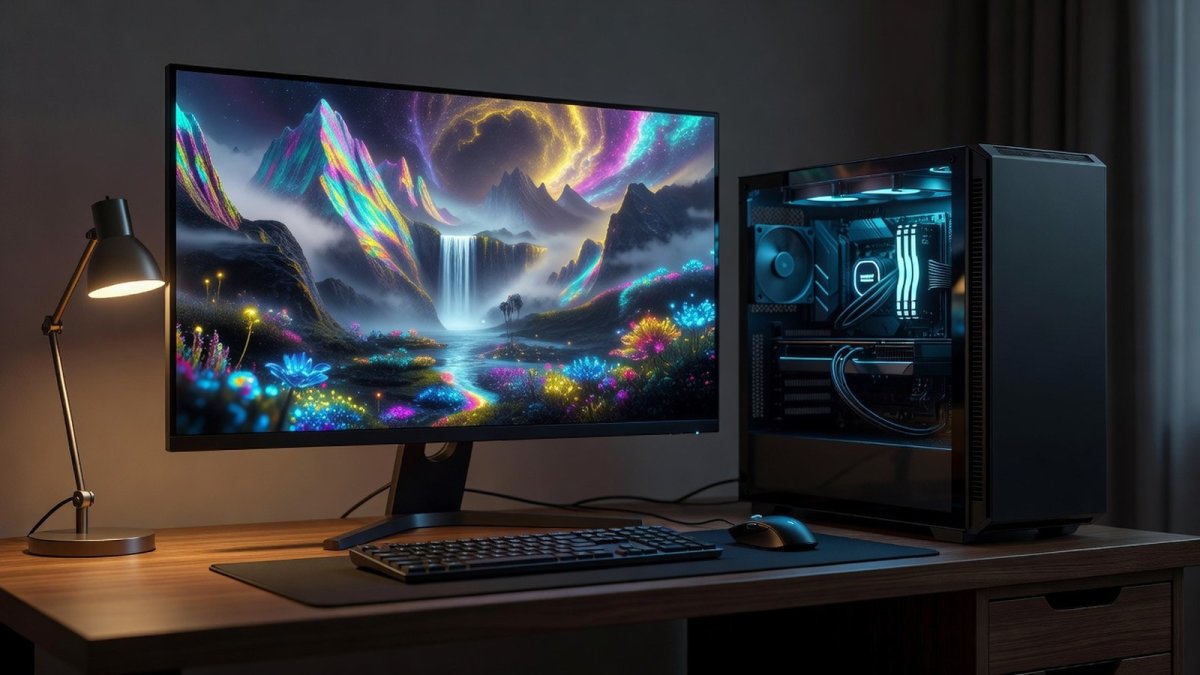
The Secret Sauce: 20-30 Images at 1024x1024
Now, let’s talk about the raw material. The Aitrepreneur tutorial is emphatic about this, and I’m going to hammer it home: your dataset is your destiny. For SDXL, the native output resolution is 1024x1024, and that’s your minimum baseline. You need 20 to 30 high-quality images of your subject. Not 5 blurry screenshots. Not 10 random photos from your phone. You need 20 to 30 crisp, clear, high-resolution images that capture the essence of what you’re trying to teach the model.
Why 20 to 30? Because it’s the sweet spot. Too few, and the model will overfit, memorizing the exact images instead of learning the general concept. Too many, and you’ll dilute the signal, making it harder for the model to find the common thread. The quality of these images is non-negotiable. If you’re training a character LoRA, you need shots from multiple angles, different lighting conditions, and varied backgrounds. If you’re training a style LoRA, you need a consistent set of examples that clearly define the aesthetic. This is the grunt work. It’s tedious. But it’s the difference between a LoRA that sings and one that sounds like a broken kazoo.
Captions Matter More Than You Think
Here’s where most beginners screw up. They think the images alone are enough. They’re not. Each image needs a caption, and this is where the AI learns the association between visual features and textual descriptions. The tutorial recommends using automated taggers like BLIP or WD14 to generate initial captions, but don’t just blindly accept them. You need to curate. You need to be specific.
If you’re training a LoRA for a specific character, you need to use a unique trigger word—a token that isn’t in the base model’s vocabulary—and consistently use it in every caption. For example, if you’re training a LoRA for your dog, you might use "fluffypup" as the trigger. Every caption should include "fluffypup" and then describe the scene: "fluffypup sitting on a couch," "fluffypup running in a park." This teaches the model that "fluffypup" refers to this specific dog, not just any dog. The captions are the bridge between your visual data and the model’s text-to-image capabilities. Get this wrong, and your LoRA will be a confused mess, unable to distinguish your subject from the background noise.
Kohya_ss: The Workhorse of Local Training
Alright, let’s get technical. The standard tool for local training is Kohya_ss, a collection of scripts that runs on Windows and Linux with a user-friendly GUI. Specifically, you’ll be using the sdxl_train_network.py script for SDXL. This is the industry standard, the tool that the pros use, and it’s completely free. The Aitrepreneur tutorial walks you through the setup, and while it can seem daunting at first, the payoff is immense.
Kohya_ss gives you granular control over every aspect of the training process. You can adjust batch sizes, optimizer settings, and network dimensions. It’s not a one-click solution; it’s a professional-grade tool. But here’s the good news: you don’t need a supercomputer to run it. Hugging Face’s diffusers LoRA training script can run in as little as 11GB of VRAM, which puts local training within reach of consumer GPUs like the RTX 3080 or 4070. That’s right—the hardware sitting in your gaming rig is powerful enough to train custom AI models. The barrier to entry has never been lower.
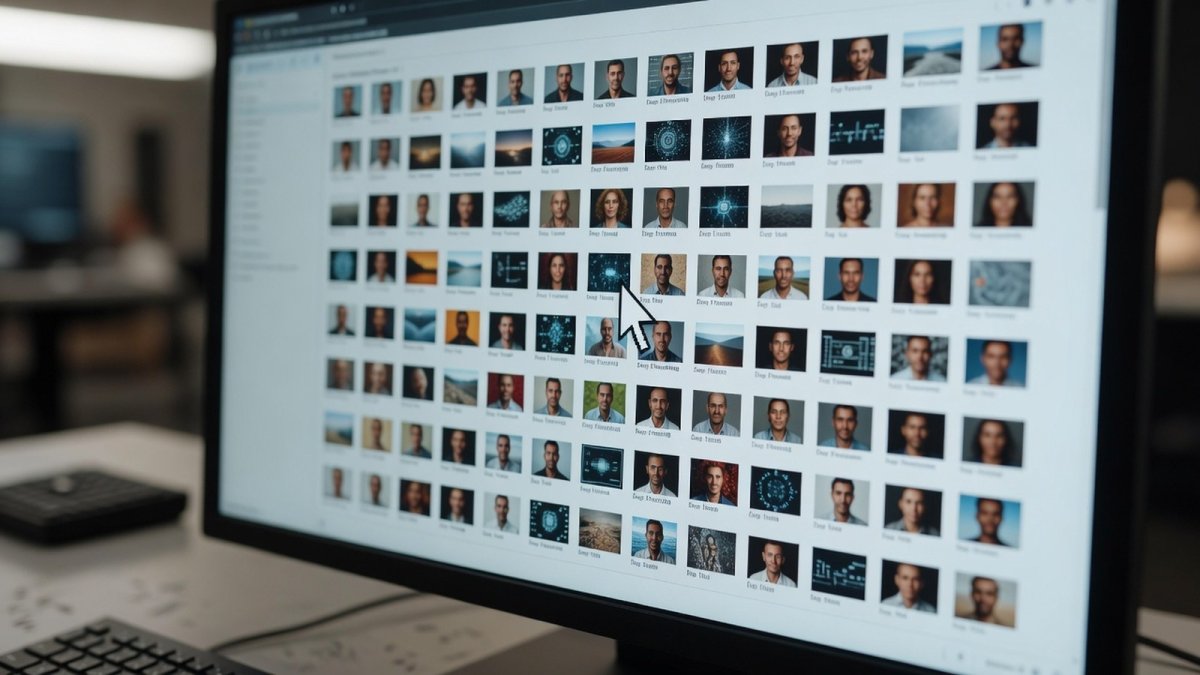
Learning Rate: The Knob That Makes or Breaks You
Now we get to the heart of the matter. The learning rate is the single most important hyperparameter in your entire training run. It controls how much the model adjusts its weights based on the error it sees. Set it too high, and your model will overshoot, producing garbage. Set it too low, and your model will learn so slowly that you’ll be waiting forever for results. The Aitrepreneur tutorial stresses that this is not a "set it and forget it" parameter. It often needs tuning per dataset.
There’s no universal magic number. A common starting point for SDXL LoRA training is around 1e-4, but you might need to go lower or higher depending on your data. The key is to experiment. Run a few short training sessions with different learning rates and compare the results. This is where the XYZ plot feature in the UI becomes your best friend. It allows you to systematically test different hyperparameters and visualize the outcomes side-by-side. Don’t be afraid to get your hands dirty. The learning rate is the difference between a LoRA that captures the subtle nuances of your subject and one that produces a distorted caricature.
Picking Your Best Epoch Like a Pro
Training isn’t a one-shot deal. You’ll run multiple epochs, which means the model will see your entire dataset multiple times. Each epoch, the model learns a little more, but there’s a point of diminishing returns. Train too long, and you’ll overfit, causing the model to regurgitate your training images instead of generating new ones. The trick is to train multiple epochs and then use the XYZ plot in the UI to compare the results from each epoch.
This is the professional’s secret. You don’t just pick the last epoch; you pick the best one. The Aitrepreneur tutorial shows you how to generate a grid of images from different epochs and visually inspect them. You’re looking for the epoch where the model has learned the concept well but still retains its ability to generalize. It’s a delicate balance, but once you master it, you’ll be producing LoRAs that are indistinguishable from the work of the top creators on Civitai. This is the difference between a hobbyist and a professional.
Why Local Training Is a Middle Finger to Big AI
Let’s step back and look at the bigger picture. The open-source local movement is a direct challenge to the paid, closed services that dominate the headlines. Companies want you to rent their APIs, pay per image, and stay locked into their ecosystem. They want to control the narrative and the technology. But local training flips the script. When you train your own LoRA, you own your art pipeline. You’re not renting a service; you’re building your own tools. You’re not subject to the whims of a corporate pricing model or a content policy that can change overnight.
This is a middle finger to the gatekeepers. It’s a statement that creativity shouldn’t be metered out by the click. The fact that you can train a custom model on your own hardware, with free open-source software, is a testament to the power of the community. It’s a movement that’s reclaiming the technology from the corporate overlords. And it’s working. Creators are increasingly choosing to train their own LoRAs, not just for cost savings, but for the freedom and control it provides. This isn’t just a technical trend; it’s a cultural shift.
What This Means
What does this mean for you, the artist, the creator, the tinkerer? It means the tools of the future are in your hands today. It means you can create a consistent character for your comic book, a unique style for your brand, or a digital replica of your own face, all without paying a dime to a corporate AI lab. It means the barrier to entry for AI art is not money, but skill and dedication. The Aitrepreneur tutorial is a roadmap, but the journey is yours to take.
The implications are profound. We’re moving from a world where AI art is a novelty to a world where it’s a craft. The ability to fine-tune a model to your specific needs is a superpower. It’s the difference between using a generic tool and forging your own. The community is already demonstrating this, with thousands of LoRAs being shared on Civitai, each one a unique expression of its creator’s vision. This is the democratization of AI, and it’s happening right now, on your desktop.
Your Move: How to Start Today
So, what are you waiting for? The tutorial is out there. The tools are free. The hardware is in your computer. Start by gathering your dataset. Pick a subject you’re passionate about—a character, a style, an object. Get 20 to 30 high-quality images at 1024x1024. Download Kohya_ss and get it running. Don’t be intimidated by the interface; it’s a learning curve, but it’s a rewarding one. Start with a low learning rate, train a few epochs, and use the XYZ plot to compare your results.
This is not a spectator sport. You have to get in the game. The Aitrepreneur video is your playbook, and I’ve just given you the highlights. The rest is up to you. The future of AI art is not being written in a boardroom; it’s being written in bedrooms and home offices, by people like you who refuse to be passive consumers. Go train your LoRA. Own your art. And don’t let anyone tell you that you can’t.
— Jessica Ali, Global 1 News — cutting through the BS, one story at a time.
This article was produced with AI-assisted research and editorial support. Reporting is based on sources cited in the article.
What's Your Reaction?
 Like
0
Like
0
 Dislike
0
Dislike
0
 Love
0
Love
0
 Funny
0
Funny
0
 Wow
0
Wow
0
 Sad
0
Sad
0
 Angry
0
Angry
0

Editor-in-Chief at Global1.News. Atlanta-based journalist who cuts through the BS and tells it like it is. Lead anchor, host, and the voice you hear when the spin stops and the truth starts.













Comments (0)