
SDXL LoRA Clothing Training: How to Generate Any Outfit for AI Characters
Aitrepreneur's deep dive shows how to train SDXL LoRA clothing models at home using your own images — dataset prep, face censoring, captioning, and the exact parameters to generate any outfit for AI characters.
Folks, let's talk about the one thing AI image generators still get embarrassingly wrong: clothes. You can generate a photorealistic person in seconds, but put them in that one specific jacket from your favorite video game, that perfectly tailored suit, that cosplay outfit you spent months building — and the model falls apart. Enter LoRA training, the open-source trick that lets you teach Stable Diffusion XL to render ANY outfit using YOUR OWN images. And the newest deep-dive from Aitrepreneur breaks the whole process down, step by step, with the exact parameters that actually work.
SDXL LoRA Clothing Training: How to Generate Any Outfit for Your AI Characters
Atlanta, GA – August 8, 2026 — In the third installment of his LoRA training series, Aitrepreneur walks creators through the complete workflow for training clothing and outfit LoRAs on Stable Diffusion XL — from hunting down the right reference images to dialing in the training parameters that separate a usable model from a blurry mess. The video, which has racked up tens of thousands of views, took the creator four weeks to produce, and here's the kicker: the hardest part isn't the training. It's the dataset.

What Is a Clothing LoRA, Anyway?
A LoRA — low-rank adaptation — is a small file that tells a base model what something is supposed to look like. Think of it as a cheat sheet: the base SDXL model knows what a jacket is in general, but your LoRA file teaches it that this specific jacket, with its high collar and silver straps, is supposed to look exactly like THIS. The file is tiny, it plugs into the model through tools like Kohya SS GUI — the same software used for character and style LoRAs — and it turns a generic model into one that knows your wardrobe.
For clothing, the stakes are higher than they sound. When you generate an AI image of a person, the model learns everything in the training image — the face, the pose, the background, the gun in their hand. Train sloppily, and your jacket LoRA will quietly bake in a stranger's face and a cyberpunk alleyway. The entire Aitrepreneur workflow is built around preventing exactly that.
The Dataset Is King: Finding the Right Images
Here's the truth the video hammers home: dataset preparation is the hardest part of clothing LoRA training. Aitrepreneur says he spent an insane amount of time figuring out the best way to prep images for clothes — it's why the video took four weeks to make. And the rules are specific.
First, hunt for the highest-resolution images you can find. Google's advanced image search, filtered to anything larger than 2 megapixels, is the go-to move. Second, and this is the part beginners get wrong: the best images are photos of REAL people wearing the clothes. A photo of a person wearing the jacket teaches SDXL how the garment drapes, how the collar sits, how it moves on a body. A product shot of the jacket on a hanger just doesn't cut it. You want variety too — different angles, different lighting, different people — and a bare minimum of around 10 top-tier images.
No photos of the outfit in the wild? Then get creative: pull screenshots from the movie or video game the outfit comes from, or search for cosplayers who've built it. Cosplay photos are a goldmine — real people, real poses, wearing the exact outfit you're trying to teach the model.
Clean Your Images or Pay the Price
Raw images will poison your training. SDXL learns EVERYTHING in the frame — so if you only want the jacket, you have to strip everything else out. That means three jobs on every single image:
Remove the background. Photoshop's one-click background removal works, and free alternatives like Photoroom and Photopea do it just as well — sometimes better. Swap in a plain white background. Then censor the face — literally paint a black blob over it. Sounds brutal, but here's why: if you leave a face in the frame, the model decides the face is part of the outfit. Every generated character will end up wearing that same stranger's face. Crop tight to the garment, flatten, save, and repeat for every image in the set.
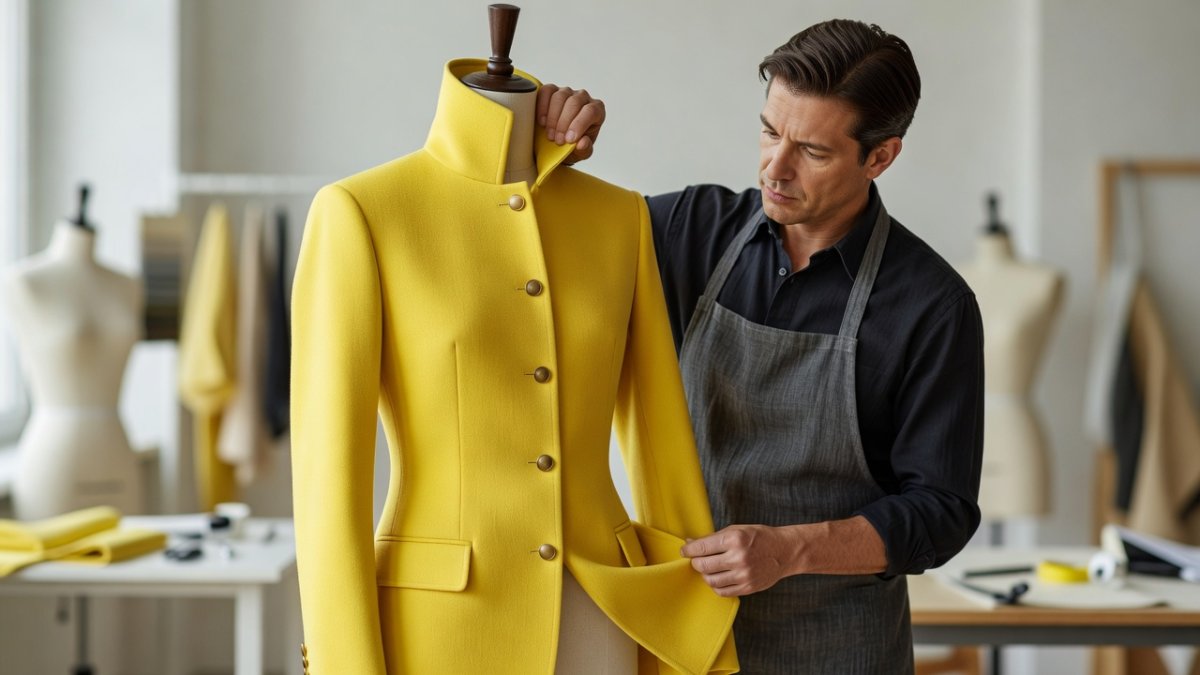
Yes, it's tedious. Yes, it's worth it.
The Split-and-Stitch Trick That Doubles Your Dataset
Here's a sneaky pro move from the video: take your best image, copy it twice, and crop the copies — one showing just the top of the garment, one showing just the bottom. Now you've effectively tripled your training data on the details that matter. The trick works because SDXL gets a zoomed-in look at the stitching, the textures, the hardware.
There's a subtle catch, and Aitrepreneur nails it: cut above a recognizable detail — like the silver horizontal strap on the Cyberpunk jacket — so the top and bottom crops share a landmark. The model can then stitch the pieces together into a coherent whole, understanding how the two halves connect. It's a tiny detail that separates a model that renders the jacket correctly from one that hallucinates it.
Folder Structure and the Repeat Number That Matters
Before you hit train, the folder layout does real work. Kohya reads folder names as instructions: "20_cyberpunk jacket" means 20 repeats per image, with "cyberpunk jacket" as your trigger tokens. And here's the insight — zoomed-in detail shots should go in a SEPARATE folder with half the repeats, like 10_cyberpunk jacket. Why? Because if you train too hard on close-ups, every generation comes out zoomed-in and weird. The model needs the full-body shots to dominate, with the detail crops as supporting evidence, not the main course.
Training an entire outfit — say, a Peaky Blinders-style suit AND the flat cap? Don't cram them in one folder. Split them: a suit folder and a flat cap folder. Each folder is its own item; train them together and the model learns the whole look. And about the face problem with hats — blurring doesn't work, the video warns; the blurry face still becomes part of the outfit. Separate folders, clean crops, every time.
Captioning: The Boring Step That Makes or Breaks the Model
Captioning is the chore everyone hates, and it's non-negotiable. Every image needs a text description telling SDXL what it's looking at — and, critically, what is NOT part of the outfit. Kohya's built-in BLIP captioning does a first pass automatically, but you'll edit every single file by hand. The GUI's manual captioning mode puts image and text side by side, which makes it tolerable.
Two rules from the video that save your model: always start the caption with what the image IS — "photo of a yellow cyberpunk jacket," or "3D Unreal Engine render of a yellow cyberpunk jacket" for game screenshots. And whenever you censored a face, write it in the caption: "identity censored, faceless, head out of frame." Those words tell SDXL, in no uncertain terms, that the black blob is not part of the garment. Then describe everything else — black t-shirt, jeans, white background — as context, not content.
The Exact Parameters That Work
After weeks of testing, Aitrepreneur landed on a parameter set he says is the sweet spot for clothing:
Train batch size of 2 — low enough for precision, high enough for flexibility. Fifteen epochs, saving every epoch so you have multiple models to compare. BF16 precision if your GPU is newer than the 3000 series, FP16 if it's older. Cache latents on. Learning rate in the low range — roughly 0.0006 to 0.0009, with a preference for the higher end. Max resolution 1024x1024, or 768x768 if VRAM is tight, with enable buckets ON so you never have to crop images to fit. Network rank 128 with alpha 1 for maximum quality — or 64 or 32 if you want a lighter file that still holds up. Gradient checkpointing on. Color augmentation only if you're training a single-color garment and want color flexibility; flip augmentation only for symmetrical pieces.
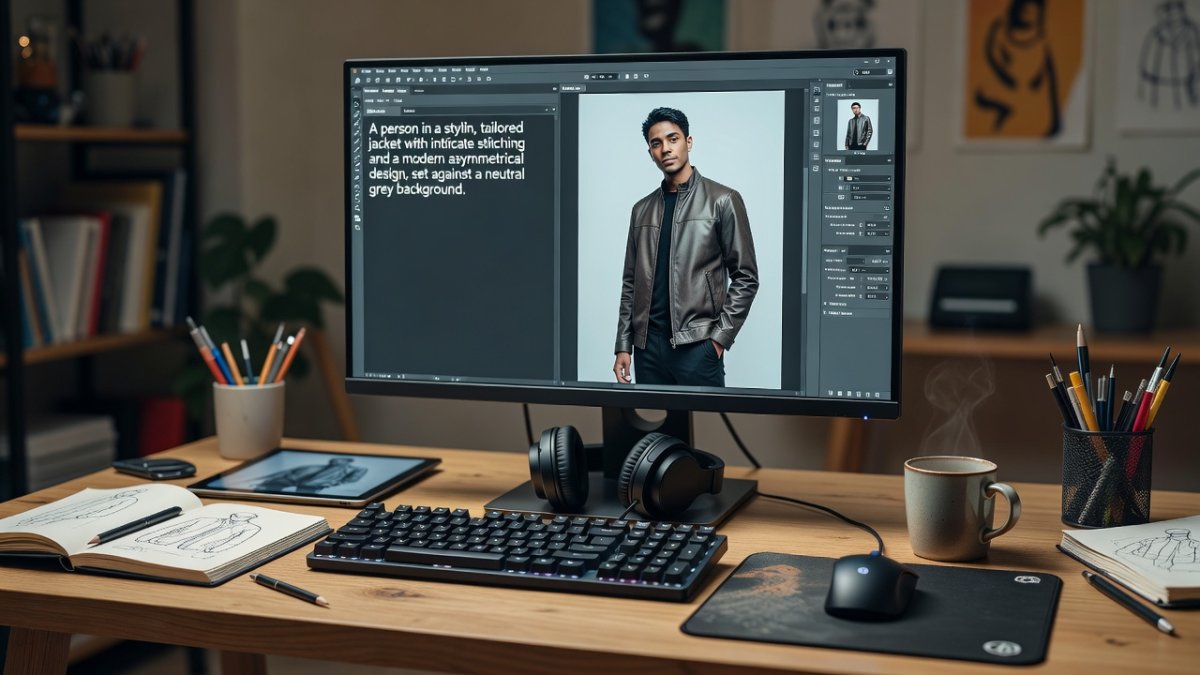
The practical cost? About 18GB of VRAM and roughly two and a half hours of training locally — or the exact same workflow on RunPod if you don't have the hardware.
Putting It Together: Custom Characters in Custom Clothes
The payoff moment: combining your clothing LoRA with a character LoRA. Generate your character wearing the jacket using the clothing model, then take the result into inpainting, mask just the face, and run the character LoRA's token at a denoise strength around 0.55. The result? Your character — whoever they happen to be — wearing that iconic jacket, exactly as designed.
That's the real promise here. Character LoRAs have been a thing for a while; clothing LoRAs are what make generated characters feel like actual people with actual wardrobes.
What This Means: The Wardrobe Revolution Is Open-Source
Here's the thing, folks — this isn't a niche hobbyist trick anymore. The ability to train a model on YOUR clothes, YOUR costumes, YOUR brand's designs, using free open-source software and images you found or shot yourself, is a genuine shift. For cosplayers, it means generating concept art of their builds before they sew a stitch. For indie game devs, it means consistent character wardrobes without a concept artist on retainer. For fashion designers, it means prototyping a design across a hundred bodies and colorways overnight. The gatekeepers — the subscription image tools, the pay-per-generation APIs — are watching this exact workflow eat their lunch. And the whole thing runs locally, free, on a GPU you might already own.
There are real questions here too, and I'm not going to pretend otherwise. Training on someone else's designs — a video game's iconic jacket, a show's signature suit — lives in a gray zone that the courts are still sorting out. The tech is powerful enough that it deserves a serious conversation about consent and credit, especially as AI wardrobes become a marketing feature rather than a lab experiment. Call it out, talk about it, and build responsibly.
Your Move: Start Small, Train Something You Own
Ready to actually do this? Start with something simple and personal — a jacket you own, shot from ten different angles against a plain wall. That's your dataset. Clean the backgrounds, censor faces, caption honestly, and run the parameters above. Ten images, two and a half hours, one small file — and suddenly your AI characters have a wardrobe that's unmistakably yours. If you want to go deeper, Aitrepreneur's full video walks through every click, and the Kohya SS docs cover the underlying math. Don't wait for permission — the tools are free, the knowledge is out there, and the only thing standing between you and a perfectly rendered custom outfit is the dataset.
That's the story. Now go train something worth wearing — and stay sharp out there.
— Jessica Ali, Global 1 News — cutting through the BS, one story at a time.
This article was produced with AI-assisted research and editorial support. Reporting is based on sources cited in the article.
What's Your Reaction?
 Like
0
Like
0
 Dislike
0
Dislike
0
 Love
0
Love
0
 Funny
0
Funny
0
 Wow
0
Wow
0
 Sad
0
Sad
0
 Angry
0
Angry
0

Editor-in-Chief at Global1.News. Atlanta-based journalist who cuts through the BS and tells it like it is. Lead anchor, host, and the voice you hear when the spin stops and the truth starts.












Comments (0)