
Midjourney V5.2 Outpainting: Zoom Out and Pan Features Break the Frame
Midjourney V5.2's Zoom Out and July's Pan feature revolutionize AI outpainting, offering native canvas expansion, directional control, and unprecedented creative power for all users.
Folks, the AI art world just got its collective mind blown, and I’m here to tell you exactly why. For months, we watched from the sidelines as DALL-E 2 and Photoshop’s Generative Fill played with outpainting—that magical trick of extending an image beyond its borders—while Midjourney, the undisputed king of aesthetic generation, sat on the sidelines. That all changed on June 23, 2023, when Midjourney V5.2 dropped like a bombshell, and the feature we’d all been screaming for finally arrived. And then, just days later, they doubled down with a Pan feature that made the competition look like they were playing with crayons.
This isn’t just an update. This is a paradigm shift, a declaration of war, and a creative unlock that’s going to change how you tell visual stories. Buckle up, because we’re diving deep into the Zoom Out and Pan features that have the entire AI art community buzzing.
Midjourney V5.2 Outpainting: Zoom & Pan Revolution
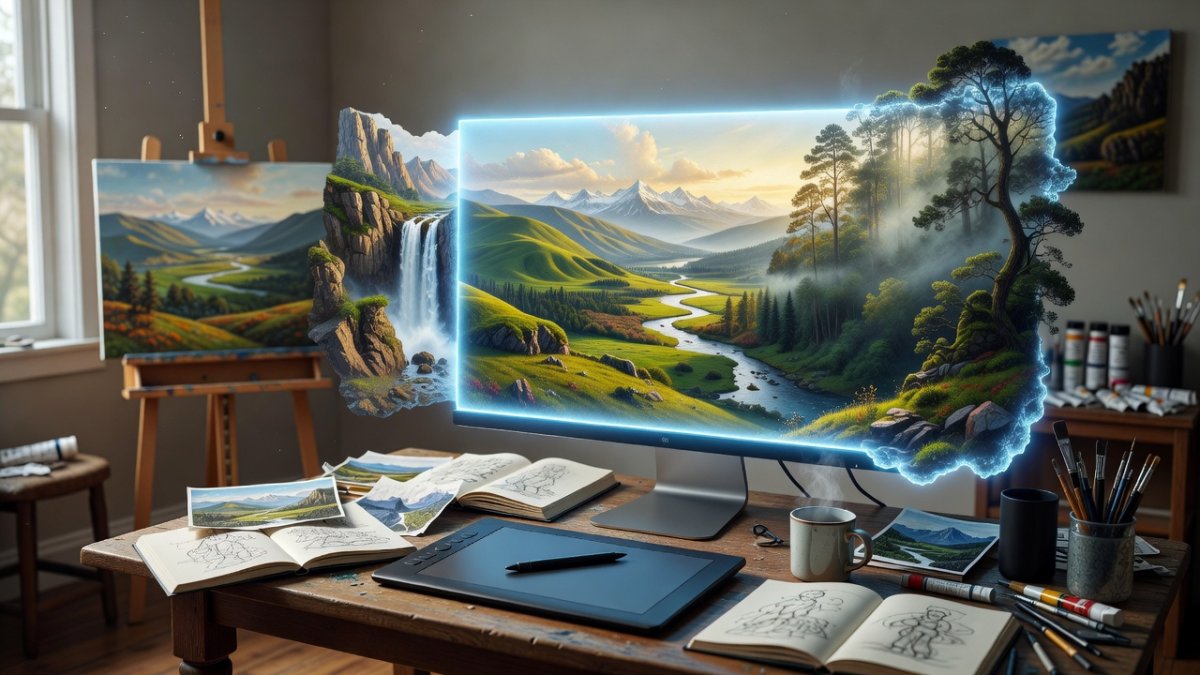
Atlanta, GA - June 2023 - The wait is over. Midjourney, the Discord-based juggernaut that has become synonymous with high-quality AI imagery, has finally answered the call. With the release of V5.2 on June 23, 2023, they didn’t just tweak the engine; they introduced native outpainting with the Zoom Out feature, and followed it up in early July with the directional Pan tool. This isn’t incremental improvement, folks. This is a full-on creative coup.
The Feature That Finally Arrived
Let’s be crystal clear about what happened. Before June 23rd, if you wanted to extend an image in Midjourney, you were stuck with clunky workarounds, external editors, or praying to the prompt gods for a miracle. The outpainting gap was a glaring weakness, a hole in the armor that competitors were happy to exploit. DALL-E 2 had it. Photoshop had it. Stable Diffusion workflows had it. But Midjourney, the tool that produces the most jaw-dropping visuals on the planet, didn’t have a native solution.
That all changed with V5.2. The headline feature, Zoom Out, is a game-changer. But it wasn’t alone. This update also brought inpainting (fixing specific areas), an improved remix mode, enhanced language processing, a higher variation mode, and a prompt analyzer. They threw the whole kitchen sink at us, but the star of the show was, without a doubt, the ability to break the frame and expand the canvas.
Zoom Out: Breaking the Frame
Here’s the deal. You generate an image, you upscale it, and suddenly—bam—two new buttons appear: Zoom Out 2X and Zoom Out 1.5X. That’s it. That’s the magic. You click one, and Midjourney doesn’t just stretch your image; it intelligently extends the scene, adding new context, new environment, and new story around your original creation. It’s not a cheap Photoshop trick; it’s a re-imagination of the entire frame.
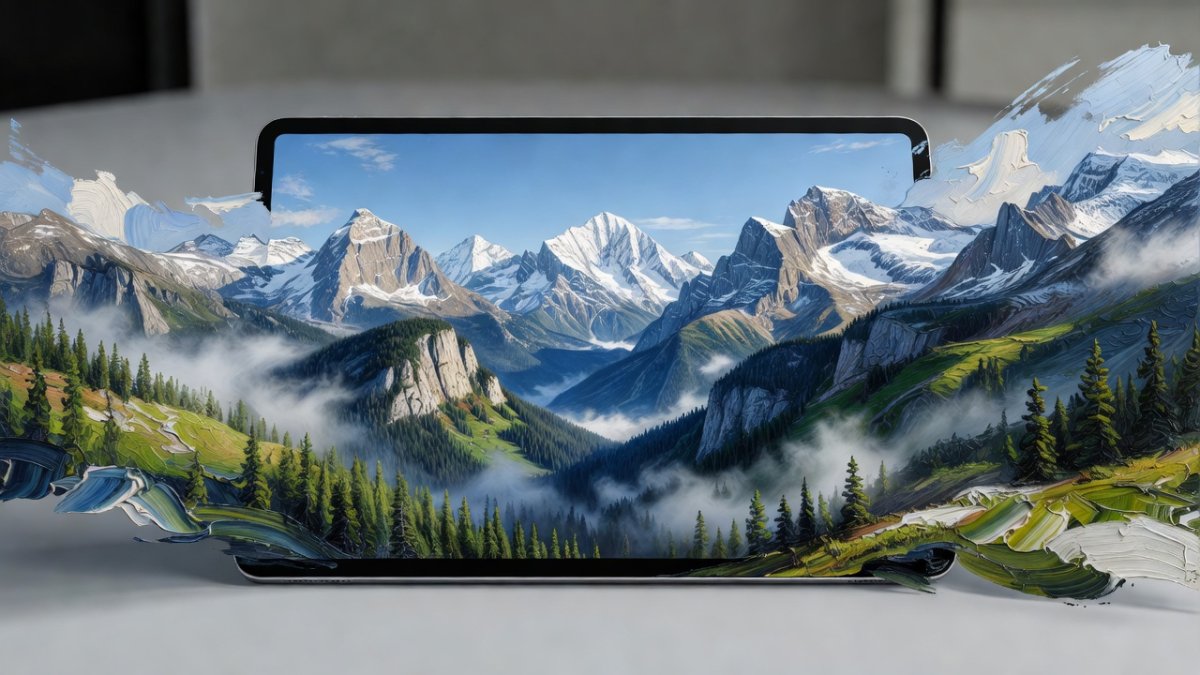
And here’s the kicker: you can do it again, and again, and again. Each zoom-out pass expands the canvas further, pulling back the curtain on a world that was previously hidden. You start with a portrait, and you end with a sprawling epic scene. You start with a close-up of a car, and you end with a full city street. The narrative potential is staggering. But they didn’t stop there. They gave us Custom Zoom, which lets you set your own aspect ratio when you zoom out. You’re not locked into the default squares; you can push the boundaries in any direction you want, crafting the exact composition you see in your head.
Pan: The Next Leap
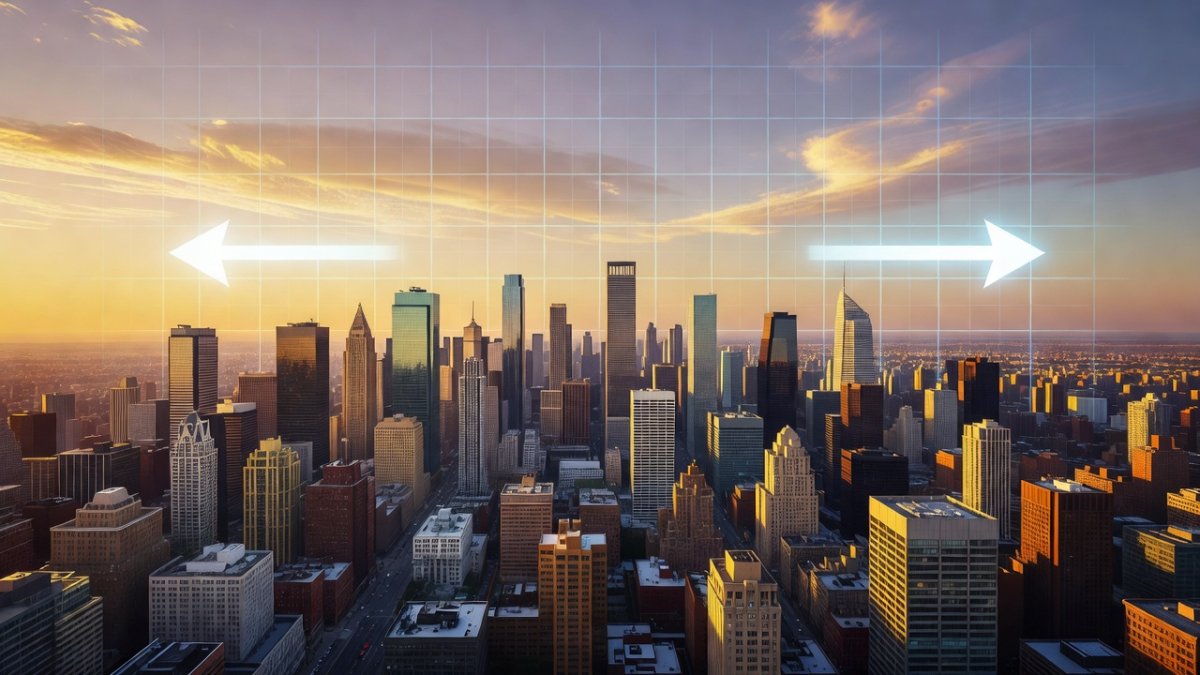
Just when we thought we had a handle on things, Midjourney dropped the Pan feature in early July 2023, announced around July 3rd. This wasn’t just an add-on; it was a precision tool. Under any upscaled V5+ image, you now see arrow buttons. Want to extend the image to the left? Click the left arrow. Need more sky above? Click up. This isn’t the broad-stroke approach of Zoom Out; this is surgical, directional control over your canvas.
Panning is a different beast entirely. It’s not about pulling back; it’s about moving sideways. It’s about taking a single moment and expanding it horizontally or vertically, building a panoramic view or a towering vertical composition. The control is immediate and intuitive. You’re not guessing where the AI will take you; you’re directing the flow of the image, one arrow click at a time.
How It Works: The Technical Side
Let’s get into the weeds for a second, because the mechanics matter. When you pan, Midjourney is actually adding pixels to your starting image. Take a standard 1024x1024 square. Pan it to the right, and you get a 1536x1024 image. Pan right again, and it becomes 2048x1024. Keep going, and you’ll hit 2560x1024, which is a 5:2 aspect ratio. The original resolution per dimension is preserved, meaning you’re not losing quality; you’re building a larger, more detailed canvas.
Here’s a pro tip that separates the casual users from the power users: Pan works on any upscaled V5+ image, including images you bring back with the /show command. That means you can resurrect an old favorite and finally give it the extended treatment it deserves. And if you have Remix Mode on, you can change the prompt text as you pan, allowing you to blend styles and themes in a single direction. You can start with a realistic photo and pan into a surrealist painting, all in one continuous motion.
But there are limits, and you need to know them. The Variation (V) buttons are not available on panned images. You can’t just hit V1, V2, V3 on a panned result. And if you zoom out on a panned image, it reverts to the standard square dimensions of your starting aspect ratio. It’s a bit of a quirk, but it’s a small price to pay for the power you’re wielding.
The Creative Impact
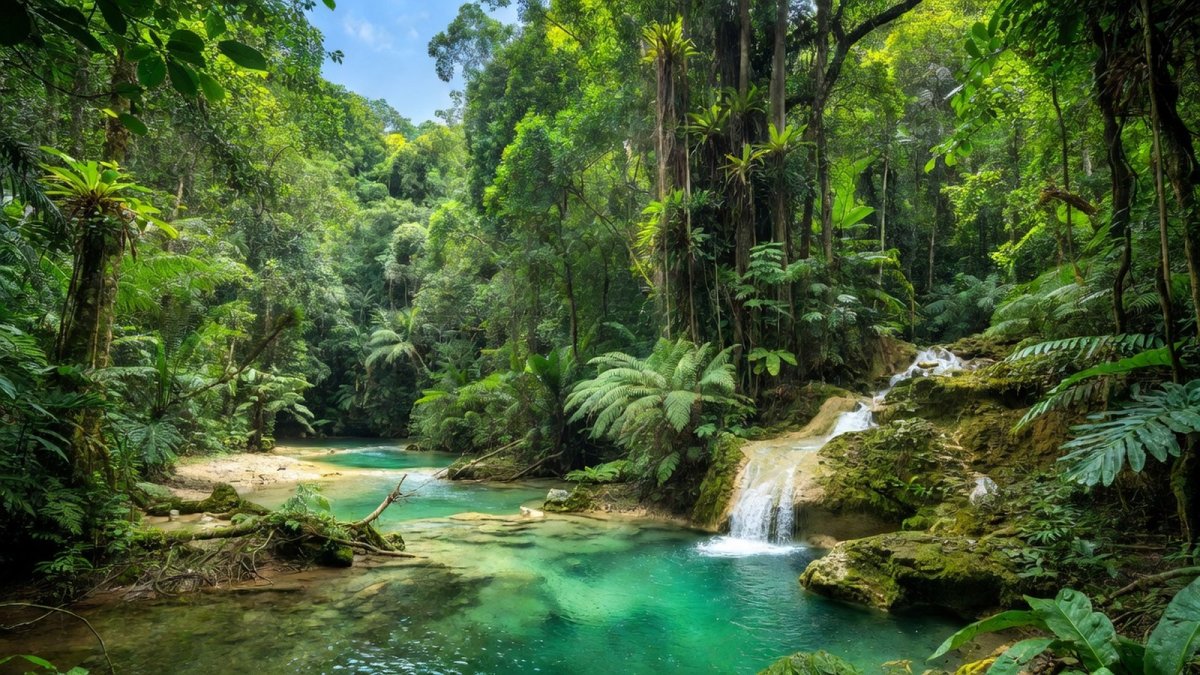
This isn’t just a technical upgrade; it’s a creative revolution. Think about what this means for storytellers, concept artists, and everyday creators. You’re no longer confined to the initial output. You can build worlds, expand narratives, and create immersive environments that were previously impossible without hours of manual editing. The ability to pan and zoom gives you a director’s control over your AI-generated footage. You’re not just prompting; you’re composing.
This closes the gap that once existed between Midjourney and its rivals. The outpainting that was once the domain of DALL-E 2 and Photoshop is now native, seamless, and arguably better. The AI art world has been shaken, and the message is clear: Midjourney isn’t just keeping up; it’s setting the pace. The creative potential here is so vast that we’re only beginning to scratch the surface of what’s possible.
What This Means
For the industry, this is a shot across the bow. It signals that Midjourney is listening, iterating, and pushing the boundaries of what’s possible at a breakneck speed. The release of V5.2 with Zoom Out, followed by the rapid deployment of Pan, shows a company that is in tune with its user base and unafraid to innovate. It raises the bar for every other AI image generator on the market.
For you, the creator, it means you have more power in your hands than ever before. The tools are here, they’re accessible, and they’re waiting for you to use them. The only limit now is your imagination. The days of being boxed in by a square frame are over. You can now paint on an infinite canvas, and the only thing stopping you is your own creativity.
The Bottom Line
Midjourney V5.2 and the subsequent Pan feature are not just updates; they are a declaration of intent. They are a statement that this platform is committed to being the premier destination for AI art, and they are willing to put in the work to make that happen. The Zoom Out and Pan features are powerful, intuitive, and game-changing. They empower you to create images that are bigger, richer, and more complex than ever before.
This is the moment where the AI art landscape shifted. The tools are here, and they are spectacular. Don’t just sit there reading about it. Get in there, fire up Midjourney, and start breaking the frame. The world is waiting to see what you create.
Here’s what you need to do right now. First, update to V5.2 and generate an image you love. Upscale it, and click that Zoom Out 2X button. Watch the magic happen. Then, try the Pan arrows and extend your image in a single direction. Experiment with Custom Zoom and Remix Mode. Push the boundaries. Break the rules. And most importantly, share what you create. Tag your work, show the community what’s possible, and let’s build a new visual language together. The tools are in your hands. Go make something that matters.
-- Jessica Ali, Global 1 News -- cutting through the BS, one story at a time.
This article was produced with AI-assisted research and editorial support. Reporting is based on sources cited in the article.
What's Your Reaction?
 Like
0
Like
0
 Dislike
0
Dislike
0
 Love
0
Love
0
 Funny
0
Funny
0
 Wow
0
Wow
0
 Sad
0
Sad
0
 Angry
0
Angry
0

Editor-in-Chief at Global1.News. Atlanta-based journalist who cuts through the BS and tells it like it is. Lead anchor, host, and the voice you hear when the spin stops and the truth starts.





Comments (0)