
SDXL Style LoRA Training: Own Your AI Art Pipeline
Jessica Ali reviews Aitrepreneur's SDXL Style LoRA tutorial, covering dataset prep, Kohya GUI settings, and how creators can own their AI art pipeline instead of renting it. Actionable, fiery, and technical.
Folks, let me cut through the noise right now. You've seen the hype, you've heard the promises, and you've probably wasted hours on tutorials that leave you with a broken model and a headache. But today, we're talking about a video that actually delivers. Aitrepreneur dropped a 42-minute deep dive called "SDXL LORA STYLE Training! Get THE PERFECT RESULTS!" and it's sitting at over 68,000 views for a reason. This isn't some clickbait fluff. This is the blueprint for taking Stable Diffusion XL 1.0 and bending it to your will, teaching it to paint in your style, not just copy a face. And the best part? You don't need a corporate data center or a fat wallet to do it.
Here's the thing: the AI art world is split into two camps. There are the renters, paying monthly subscriptions for closed tools that own your workflow, and there are the owners, the folks who run open-source models on their own rigs and keep every ounce of control. This tutorial is a masterclass in the latter. It's about training a Style LoRA, a Low-Rank Adaptation, that captures an aesthetic—watercolor, film noir, 90s anime, you name it—using your own curated images. Aitrepreneur claims to have spent hundreds of hours testing and experimenting to perfect this workflow, and honestly, the depth of the video backs that up. This is the real deal, and I'm here to break it down for you, piece by piece, with zero sugarcoating.
Style LoRA Training: Own Your AI Art Pipeline Now
Atlanta, GA -- The release of Stability AI's SDXL 1.0 in July 2023 was a seismic shift for open-weights AI. This 3.5-billion-parameter behemoth brought a level of detail and composition that blew its predecessor out of the water. But with great power comes great complexity, and fine-tuning the whole model was a nightmare reserved for those with deep pockets and server racks. Enter LoRA, the lightweight fine-tuning method that slashes training time from days to hours and runs on consumer GPUs with just 8-16GB of VRAM. Aitrepreneur's tutorial isn't just about the technical steps; it's about reclaiming your creative independence. It's about saying "no" to per-image fees and subscription traps, and "yes" to a pipeline that's 100% yours.
The Video That Breaks It Down
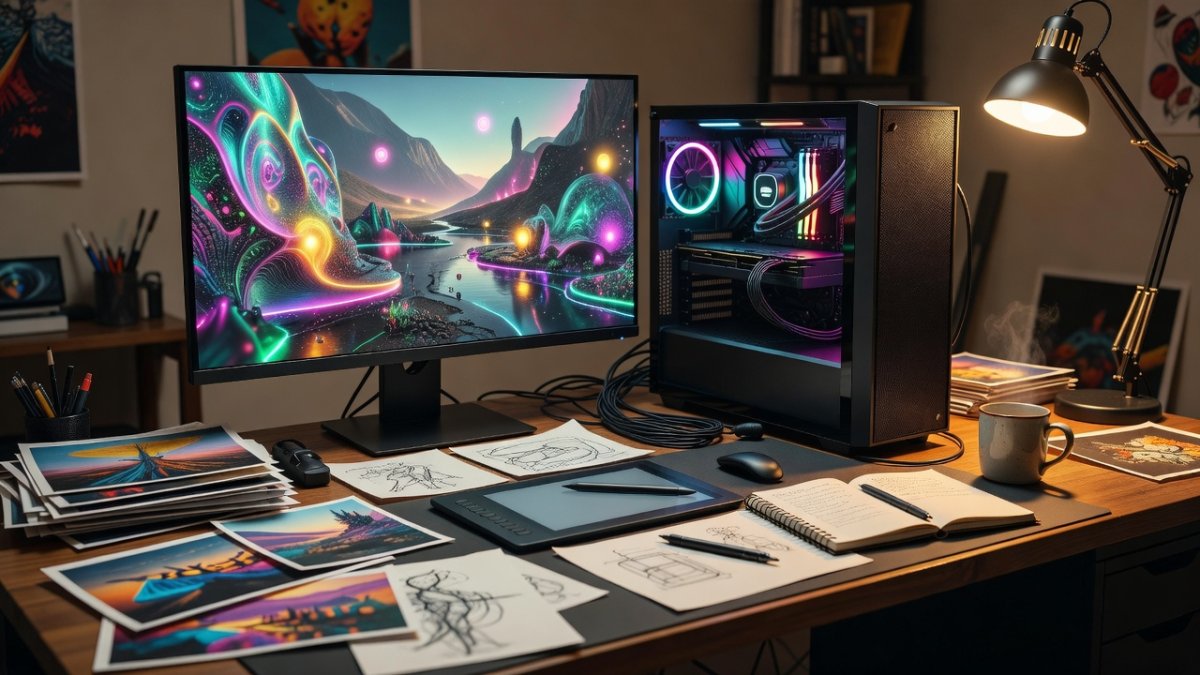
Let's be clear about what this video is and isn't. It's not a 10-minute "watch me click buttons" speedrun. It's a 42-minute, methodical walkthrough that assumes you're smart enough to want to understand the why behind the what. Aitrepreneur doesn't just show you the Kohya SDXL GUI; he explains the logic behind every setting, every slider, and every tag. The video is structured like a proper workshop: dataset prep, captioning, training configuration, and finally, testing in AUTOMATIC1111 or ComfyUI. It's the kind of resource that should be bookmarked by anyone serious about AI art, from hobbyists to indie game devs looking to establish a unique visual identity. The 68,000+ views aren't just noise; they're a testament to a community starving for real, actionable information.
What Is a Style LoRA?
Alright, let's get technical for a second, but I'll keep it in plain English. LoRA, or Low-Rank Adaptation, is a technique that originated in a 2021 Microsoft research paper. It was designed to fine-tune large language models efficiently by injecting trainable rank decomposition matrices into the existing architecture. The Stable Diffusion community grabbed onto this in 2023 and never let go. Instead of retraining the entire 3.5B-param SDXL model, a LoRA is a tiny, focused patch. Now, here's the critical distinction: a style LoRA trains on images that share a visual aesthetic, not a single subject. You're not teaching it "this is Jessica's face." You're teaching it "this is the gritty, high-contrast look of film noir." The secret sauce is in the captions. You use a trigger word, like 'stylename style', so that when you type that phrase into your prompt, the LoRA activates cleanly and consistently. It's a surgical strike on a specific visual language.
The Dataset: Your Images Are the Secret Sauce
Listen up, because this is where most people screw up. You cannot train a style LoRA with five random images and expect magic. Aitrepreneur hammers this point home: you need a curated dataset of 20 to 50 images, all sharing that core aesthetic you're chasing. For SDXL, that means images at 1024x1024 resolution. You need to crop them, clean them, and make sure they're consistent in their style. If you're going for watercolor, don't throw in a digital painting. If you're going for 90s anime, don't mix in modern CGI. The model learns from what you give it, and garbage in means garbage out. The video walks you through the cropping and curation process, emphasizing that quality trumps quantity. A tight set of 30 perfect images will beat a sloppy set of 100 any day of the week. This is the foundation, and if you skip this step, you're building your house on sand.
Training Settings That Actually Matter
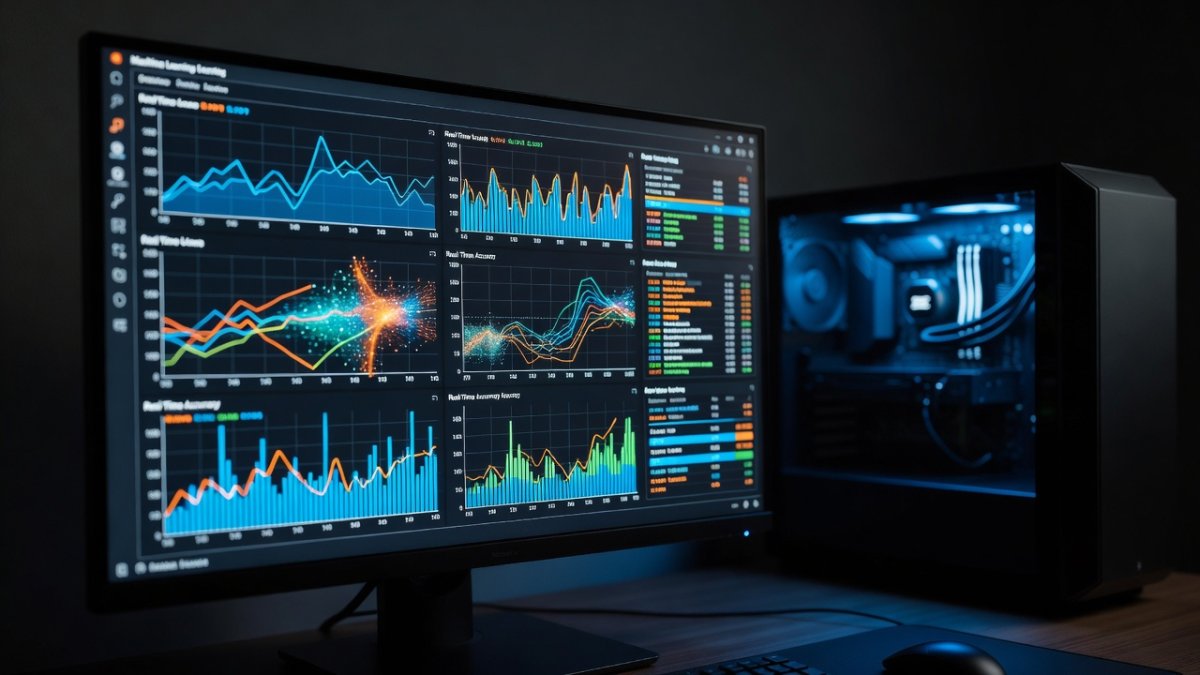
Now we're getting into the weeds, and this is where Aitrepreneur's hundreds of hours of testing pay off for you. He uses Kohya's SDXL GUI, which is the standard open-source training tool. But he doesn't just tell you to click "train." He explains the key parameters. Network rank and dimension, often called 'dim', should be set between 8 and 32. Higher isn't always better; it just means a bigger file and a higher risk of overfitting. The learning rate is critical, and he recommends starting around 1e-4. Too high, and your model will blow up. Too low, and you'll be training for a week. You're training both the UNet and the text encoder, which is essential for capturing style nuances. And you'll want to run between 10 and 20 epochs, monitoring your loss curves to avoid overtraining. The finished LoRA file is remarkably small—often just 50 to 200MB, and frequently much less. That tiny file is your key to unlocking a whole new aesthetic.
Testing Your Style LoRA
You've done the training, you've watched the loss curves, and you've got your .safetensors file. Now what? This is where the rubber meets the road. Aitrepreneur shows you how to drop that LoRA file into AUTOMATIC1111 or ComfyUI, right alongside your base SDXL checkpoint. The beauty of this system is its modularity. You can stack multiple LoRAs, combine a style LoRA with a character LoRA, and create entirely new, unique compositions. The video demonstrates how to test your LoRA with different prompts, using your trigger word, and how to adjust the LoRA weight to dial the style intensity up or down. This is the moment of truth. If you've done your dataset prep and settings right, you'll see your style come to life. If not, you'll see a mess, and you'll know exactly which step to revisit. This iterative process is the core of the craft.
What This Means for Creators
Let's step back and look at the big picture, because this is bigger than just a tutorial. This is a fundamental shift in the balance of power. Open-source AI image tools, combined with techniques like LoRA, let creators own their pipeline instead of renting one. This is a direct contrast to closed subscription services that charge you monthly and often claim ownership or broad usage rights over your generated content. When you train a style LoRA on your own images, you are building a proprietary asset. You can use it for a client project, for a graphic novel, for a video game—and you don't owe a dime to anyone. You're not locked into a platform. You're not at the mercy of a company changing its terms of service. This is the democratization of art, and it's happening right now, on your own GPU. Aitrepreneur's video is a roadmap to that independence, and it's a powerful one.
The Bottom Line on Aitrepreneur's Method
Is this video perfect? No. It's dense, it requires patience, and it assumes you're willing to learn. But that's exactly why it's valuable. It treats you like a professional, not a consumer. The workflow is tested, the explanations are clear, and the results are reproducible. If you're tired of fighting with generic models and want to create a signature look that's unmistakably yours, this is your starting line. The hardware barrier is low—a consumer GPU with 8-16GB of VRAM is enough. The software is free and open-source. The only thing you need to bring is your own creative vision and the willingness to put in the work. And that, folks, is a trade I'll take any day.
So here's your action plan. First, watch the video. Take notes. Second, curate your dataset. Be ruthless about consistency. Third, fire up Kohya's SDXL GUI and start experimenting with the settings he recommends. Don't be afraid to fail; that's how you learn. And finally, once you've trained your first style LoRA, push it further. Combine it, break it, and rebuild it. The tools are in your hands now. The only question is, what are you going to create?
— Jessica Ali, Global 1 News — cutting through the BS, one story at a time.
This article was produced with AI-assisted research and editorial support. Reporting is based on sources cited in the article.
What's Your Reaction?
 Like
0
Like
0
 Dislike
0
Dislike
0
 Love
0
Love
0
 Funny
0
Funny
0
 Wow
0
Wow
0
 Sad
0
Sad
0
 Angry
0
Angry
0

Editor-in-Chief at Global1.News. Atlanta-based journalist who cuts through the BS and tells it like it is. Lead anchor, host, and the voice you hear when the spin stops and the truth starts.










Comments (0)