
NVIDIA Open Sources Run:ai Under Apache 2.0 for Kubernetes GPU Orchestration
When NVIDIA finally pushed the Run:ai stack into the open‑source arena, the move felt less like a gift and more like a calculated gamble. The platform—now sitting under an Apache 2.0 license on GitHub—offers a full‑blown GPU scheduling, quota, and workload‑management layer for Kubernetes.
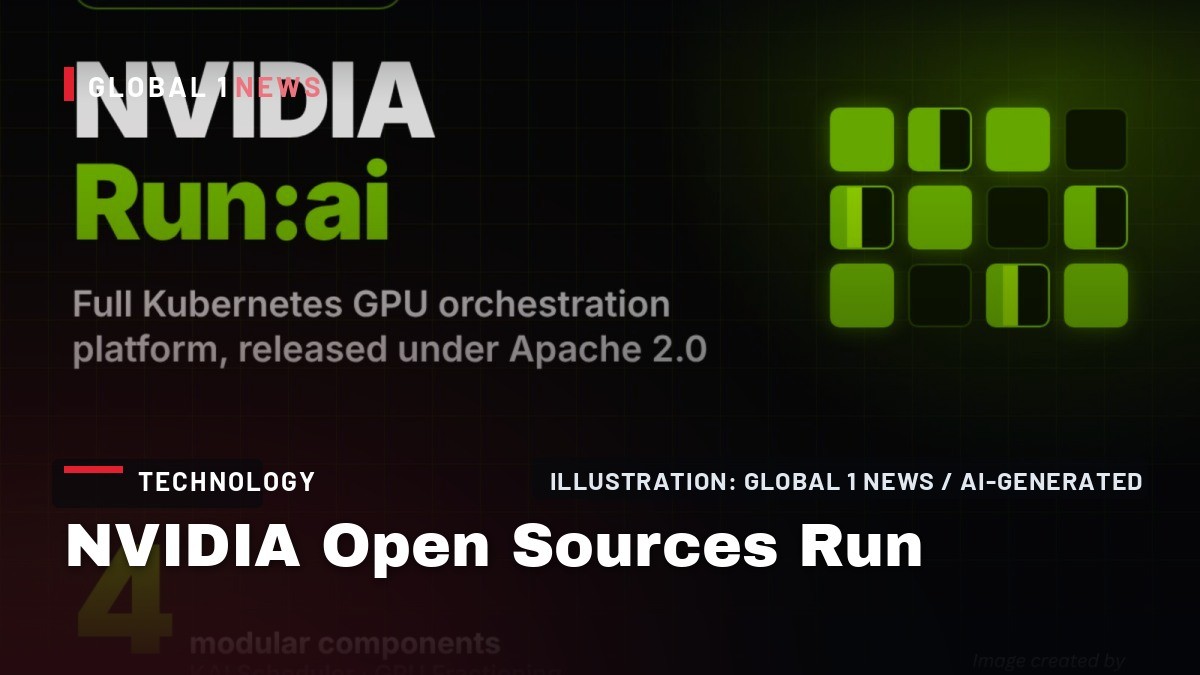
When NVIDIA finally pushed the Run:ai stack into the open‑source arena, the move felt less like a gift and more like a calculated gamble. The platform—now sitting under an Apache 2.0 license on GitHub—offers a full‑blown GPU scheduling, quota, and workload‑management layer for Kubernetes. For us running our own bare‑metal farms, the headline is clear: you can now self‑host the same stack you’d otherwise pay a subscription for, but you also inherit the same quirks and constraints that come with a vendor‑centric design.
What the open‑source Run:ai actually contains
The release is a monorepo that bundles a control plane, cluster services, an installer, a CLI and an MCP server. Inside, roughly fifty Go services are compiled and containerised. The control plane is the brain—handling workload submission, resource accounting and monitoring—while the per‑cluster services inject GPU‑aware scheduling into vanilla Kubernetes. Access points include a web UI, a CLI, a REST API and an MCP server that can be hooked by AI assistants.
Crucially, NVIDIA split the stack into four independent components: the KAI Scheduler (a CNCF Sandbox project that adds gang scheduling, fair‑share, topology awareness and DRA support), a GPU Fractioning Operator that enforces CUDA 13.4‑native memory limits per pod, a Resource Management layer that adds projects, departments, quotas and node pools, and a Workload Map library that describes workload types like PyTorchJob, RayCluster and KServe. Teams can pick and choose which pieces to run, but the full platform is what delivers the “run‑ai” experience.
How you can spin it up on your own hardware
For developers, NVIDIA ships a single script—local-dev.sh—that builds the Go services inside containers and then spins up a five‑node Kind cluster pinned to Kubernetes v1.32.5. The script also deploys a fake GPU operator that pretends to have eight Tesla‑A10 GPUs, meaning you can tinker on a Mac or a modest Linux box without any real GPU hardware. The hardware requirements for a full build are 4 CPUs, 16 GB RAM and 100 GB of free disk on Linux; macOS Podman VMs need at least 12 GB RAM. One build leaves roughly 44 GB of caches on the host.
If you flip the --gpu-operator flag, the script will instead target real NVIDIA GPUs. That mode demands a Linux host with Docker and the NVIDIA Container Toolkit installed. AMD and Intel accelerators are explicitly not supported, so you’re locked into NVIDIA silicon for production deployments.
Deploying Run:ai in production: options and trade‑offs
In the field, you have three practical paths: compile from source, use the NGC Community Product Helm chart, or go through one of eight DSX ecosystem partners—Crusoe, Mirantis, Nebius, OpenNebula Systems, Rafay, Saturn Cloud, Spectro Cloud and vCluster. The Helm chart and the source‑based deployment are both “community” editions, meaning they require no paid subscription but also exclude NVIDIA enterprise support. If you need that safety net, you must stay on NVIDIA AI Enterprise, Mission Control, or a cloud marketplace offering that bundles the commercial edition.
The partner route can be attractive because those vendors often provide managed services or integration layers that smooth the rough edges of a raw open‑source stack. However, you still inherit the same underlying constraints: the stack only runs on Linux, only works with NVIDIA GPUs, and relies on the CUDA 13.4 driver for fractioning. There’s no fallback to AMD or Intel, so diversification of hardware is off the table.
Performance claims and the reality check
NVIDIA’s own marketing notes that Model Streamer—a companion project that streams model weights directly into GPU memory—delivered 3‑to‑6× faster loading on eight NVIDIA H100 VMs in a Microsoft benchmark. Throughput was reported at 80 Gbps versus about 40 Gbps on the default loader. Those numbers are impressive, but they come from a best‑case scenario on the latest H100 hardware in Azure. There are no platform‑level benchmarks for the Run:ai stack itself, so we have no hard data on scheduling latency, overhead, or how the fractioning operator impacts multi‑tenant workloads on older A10 or A100 GPUs.
From a founder’s perspective, the lack of published performance metrics means you have to test it yourself in your own environment. In our own lab, we’ve seen that the extra control‑plane services add a few seconds of latency to job submission, which is tolerable for batch training but can bite you on latency‑sensitive inference pipelines. The real test is whether the stack’s quota and hierarchy features actually prevent noisy‑neighbor issues in a shared cluster—something that only real‑world usage will reveal.
Where Run:ai sits among other open‑source schedulers
Comparing the stack to other open‑source schedulers makes the scope difference crystal clear. Volcano, Kueue and YuniKorn are pure scheduling or queueing systems that plug into the default kube‑scheduler. Run:ai, on the other hand, ships a full management platform on top of its own KAI Scheduler, complete with a UI, CLI, REST API and MCP server. In other words, you get a complete product rather than a single scheduling component.
This breadth is a double‑edged sword. If you need an end‑to‑end solution and don’t want to cobble together separate schedulers, quota managers and UI layers, Run:ai can save you weeks of integration work. But the price you pay is a larger codebase to maintain, more moving parts to monitor, and a higher risk of bugs slipping through when you upgrade Kubernetes or the underlying CUDA driver.
Business‑risk implications for independent hosting providers
For independent hosting providers, the open‑source release is both an opportunity and a warning sign. On the upside, you can now offer a “NVIDIA‑compatible” GPU orchestration service without paying licensing fees, potentially undercutting hyperscaler pricing that bundles GPU scheduling into a massive, opaque platform. You can also differentiate by offering tighter SLA guarantees around quota enforcement—something the community edition does not provide out‑of‑the‑box, but you can build on top of the Resource Management component.
The risk, however, lies in the support vacuum. The community edition explicitly excludes NVIDIA enterprise support, meaning any bugs or security issues you encounter will have to be handled internally or via the partner ecosystem. In a production environment, that translates to higher operational overhead and the need for in‑house expertise on both Kubernetes and the NVIDIA stack. If you’re a small team, you may find the learning curve steep, especially given the reliance on CUDA 13.4 and the need to keep the driver stack in lockstep with the operator.
Actionable steps for founders and ops teams
First, run a local dev build using the provided script on a modest Linux VM. Verify that the fake GPU operator works and that you can submit a simple PyTorchJob through the CLI. This will give you a feel for the control‑plane’s API surface and the overhead of the additional services.
Second, if you have real GPUs, flip the --gpu-operator flag and test the fractioning operator’s hard memory limits. Create two pods that request overlapping GPU memory and confirm that the operator enforces the limits as advertised. This is the core of the “no‑noisy‑neighbor” promise.
Third, map out your quota hierarchy using the Resource Management component. Define projects, departments and node pools that mirror your billing or internal chargeback model. Run a few workloads to see how the system enforces the 50 % cluster guarantee example NVIDIA provides.
Finally, decide on a support strategy. If you can’t afford the NVIDIA enterprise contract, consider partnering with one of the eight DSX ecosystem firms that already have managed offerings. Otherwise, budget for in‑house expertise to handle upgrades, security patches and debugging. The open‑source Run:ai stack opens the door, but you still need to walk through it with a clear plan.
— Allan Ali, Founder
This article was produced with AI-assisted research and editorial support. Reporting is based on the source material cited below. Sources: MarkTechPost; marktechpost.com; Global1.News (20 October 2026).
By Allan Ali, Global1.News
What's Your Reaction?
 Like
0
Like
0
 Dislike
0
Dislike
0
 Love
0
Love
0
 Funny
0
Funny
0
 Wow
0
Wow
0
 Sad
0
Sad
0
 Angry
0
Angry
0

Publisher of Global1.News. Automation architect, systems builder, and the guy making sure the truth gets published.














Comments (0)