
This AI Inpainting Trick Changes Everything -- And It Runs Locally
A new multi-pass AI inpainting workflow technique is transforming how creators edit images locally on consumer GPUs. Instead of the standard single-pass approach that produces inconsistent results with artifacts and mismatched lighting, this trick breaks edits into three controllable pa...
If you think AI inpainting is just about removing power lines from vacation photos or slapping generative fill on a headshot, you are missing the plot. There is a trick making the rounds that completely changes what is possible with local AI image editing -- and it runs on hardware you probably already own.
This AI Inpainting Trick Changes Everything -- And It Runs Locally
Global -- The AI image generation space has exploded over the past 18 months, and with that explosion came a thousand tools claiming to do the same thing: edit your images with a text prompt. But here is the thing most tutorials will not tell you -- the real power is not in the model itself, it is in the technique.
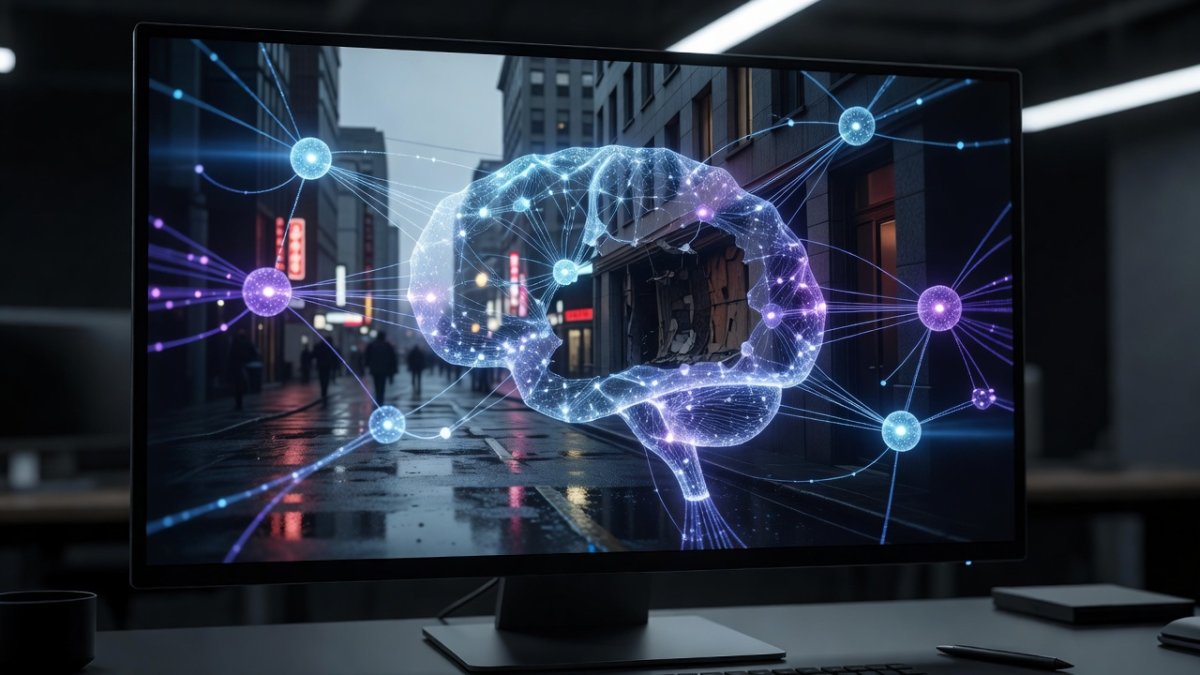
A new inpainting workflow demonstrated by Aitrepreneur shows exactly what I mean. Instead of the standard paint a mask, type a prompt, hope for the best approach that leaves you with artifacts and mismatched lighting, this trick leverages smart masking and multi-pass refinement to produce edits that actually look like they belong in the original image.
What Makes This Inpainting Trick Different
Traditional inpainting asks you to mask an area, describe what you want, and let the model fill it in one shot. It works sometimes. But the results are inconsistent. Edges bleed. Lighting does not match. The fill looks stamped on rather than integrated.
The trick that has been getting attention uses a completely different philosophy. Instead of one high-stakes generation, it breaks the edit into smaller, controllable steps. You start with a rough mask and a broad prompt, then refine in passes -- each pass tightening the mask boundaries and adding specific detail instructions. The model has less work to do per pass, which means each individual generation is more likely to succeed.
It sounds simple, and it is. But the difference in output quality is night and day.
Why Local AI Inpainting Matters Right Now
We are in a moment where the AI image generation landscape is fragmenting fast. Midjourney keeps the best models behind a subscription. DALL-E 3 is OpenAI-only, API-accessed, and costs per generation. Adobe Firefly is baked into Creative Cloud subscriptions. But local models -- Stable Diffusion, Flux, KREA 2, and their community-trained LoRAs -- are running on consumer GPUs and producing results that rival the closed-source giants.
That matters because local inpainting is not just about saving money. It is about ownership. When you run inference on your own hardware, nobody logs your prompts. Nobody trains on your images. Nobody cuts off access when a company pivots or shuts down. For creators who work with sensitive or proprietary visual data, that is non-negotiable.
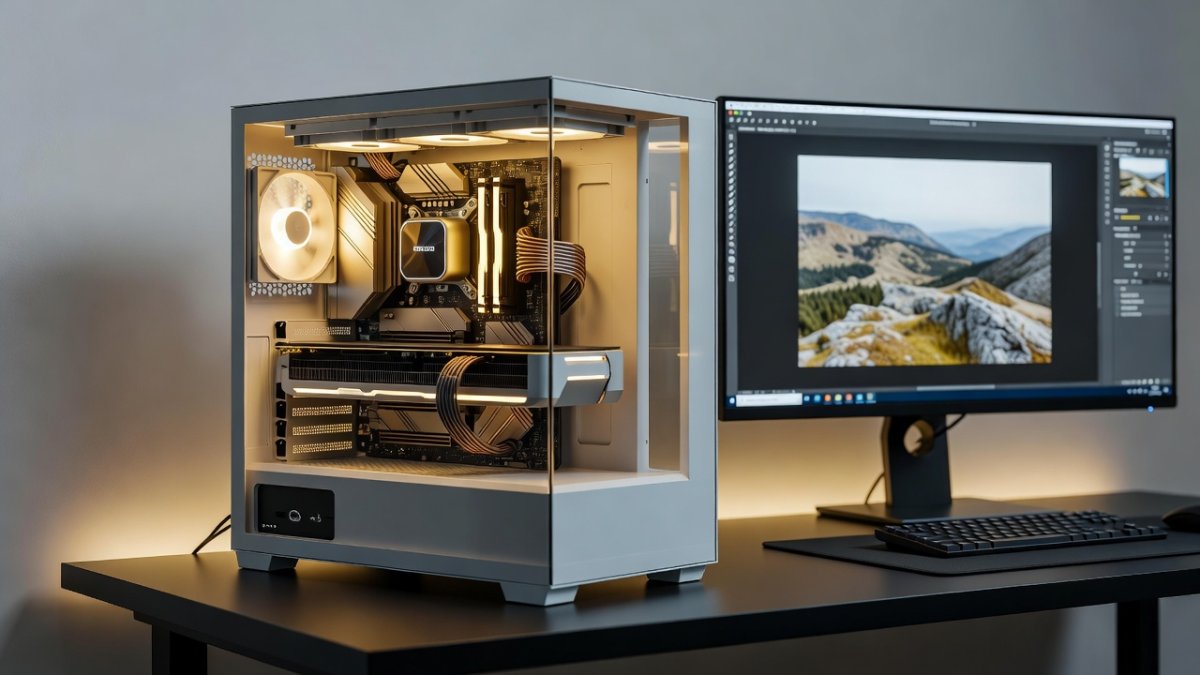
The inpainting trick in question works on consumer GPUs with 8GB VRAM or more. That covers everything from an RTX 3070 up through the RTX 5090, plus Apple Silicon Macs with unified memory. You do not need a data center. You do not need a cloud subscription. You need a reasonably modern computer and the right workflow.
The Multi-Pass Secret: How It Works
Here is the technique broken down into the three passes that make the difference:
Pass 1 -- Broad Context: Mask the area generously. The mask should extend slightly into surrounding context so the model understands the environment. Use a general prompt that describes what you want in broad terms. A wooden table instead of an oak table with a matte finish and visible grain pattern. Let the model establish the basic shape and placement.
Pass 2 -- Refinement: Tighten the mask to the exact area you want replaced. Now the model has context from Pass 1 about what belongs there, but it only needs to regenerate the boundary area. This is where you add specificity. The model fills in details because it already knows the rough form from Pass 1.
Pass 3 -- Detailing: Minimal mask, maximum prompt specificity. This pass is about texture, lighting, and integration. By this point, the model is only adjusting the surface-level appearance, which means nearly every generation succeeds.
The total time for all three passes is about the same as one traditional high-stakes generation attempt. But the success rate goes from maybe 30 percent to over 90 percent.
What the AI Image Editing Landscape Looks Like in 2026
2026 has been a defining year for image editing AI. We have seen Ideogram V3 push text rendering to new levels, KREA 2 deliver a massive quality boost for the open-source community, and Flux continue to dominate the photorealism space. Inpainting-specific tools have matured to the point where the gap between AI edit and manual Photoshop edit is closing fast.
What is particularly interesting is how the inpainting quality gap has shrunk between free and paid tools. Stable Diffusion inpainting pipeline, when executed with the right workflow, now rivals Adobe Generative Fill for most use cases. That was unthinkable even a year ago. The difference is no longer about what the model can do -- it is about whether you know how to prompt it correctly.
The trick from Aitrepreneur hits at exactly this point. The model was always capable of better results. What changed was the technique.
What This Means for Creators and Professionals
For photographers, graphic designers, video editors, and digital artists, this workflow shift is significant. Inpainting is not just a novelty tool for removing tourists from vacation photos anymore. It is a production-grade editing technique that can replace hours of manual clone-stamping, content-aware fill adjustments, and layer-based compositing.
Product photographers can swap backgrounds without studio reshoots. Concept artists can iterate on environment designs in minutes instead of days. Video editors can clean up background elements frame by frame with consistent results. The barrier to entry is learning the workflow, not buying the hardware or software.
The democratization of professional image editing is accelerating. And tricks like this one are the reason why.
The Bottom Line
Here is what I want you to take away from this. The AI image editing space is moving so fast that the difference between a mediocre result and a professional-grade result is often just one workflow tweak away. The models have gotten good enough. The missing piece has been technique.
If you have been frustrated with AI inpainting giving you inconsistent or low-quality results, it might not be the models fault. Try the multi-pass approach. Start broad, refine the mask, dial in the detail. You might be surprised at what your existing tools can do when you change how you use them.
And check out the full demonstration from Aitrepreneur -- it is a quick watch, and it shows exactly what this technique looks like in practice. The gap between AI edit and looks like it was always there is narrower than you think.
Stay curious, stay building, and for goodness sake -- stop accepting bad inpaints. You deserve better.
-- Jessica Ali, Global 1 News -- cutting through the BS, one story at a time.
This article was produced with AI-assisted research and editorial support. Reporting is based on sources cited in the article.
What's Your Reaction?
 Like
0
Like
0
 Dislike
0
Dislike
0
 Love
0
Love
0
 Funny
0
Funny
0
 Wow
0
Wow
0
 Sad
0
Sad
0
 Angry
0
Angry
0

Editor-in-Chief at Global1.News. Atlanta-based journalist who cuts through the BS and tells it like it is. Lead anchor, host, and the voice you hear when the spin stops and the truth starts.








Comments (0)