
Inception Releases Mercury 3 Diffusion LLM at 1,068 Tokens per Second
Inception just dropped Mercury 3, the latest diffusion‑style language model that claims to churn out more than a thousand tokens a second on NVIDIA GPUs while handling a one‑million‑token context window.
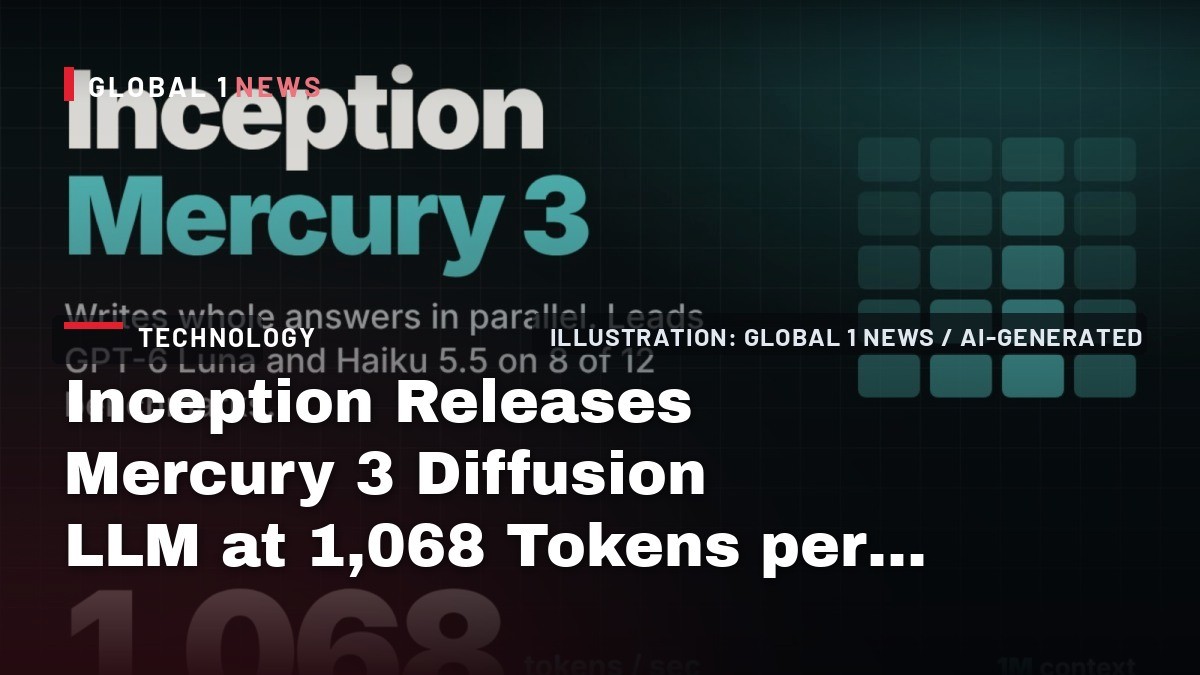
Inception just dropped Mercury 3, the latest diffusion‑style language model that claims to churn out more than a thousand tokens a second on NVIDIA GPUs while handling a one‑million‑token context window. As a founder who has been wiring up production servers for a decade, I’m less interested in the hype headline than in what this actually means for independent hosting shops and the developers we serve. The numbers Inception publishes—1,068 tok/s, a 1 M‑token context, and a price tag of $0.10 per M input and $0.35 per M output at launch—look impressive on paper, but the real test is how they hold up when you throw them into a live stack with real traffic, latency constraints, and cost pressures.
Diffusion vs. Autoregressive: The Speed Claim
Traditional autoregressive models generate text token by token, each new token waiting for the previous one. That sequential bottleneck caps throughput, especially on the same GPU hardware. Mercury 3 uses a diffusion approach: it drafts a full answer, then refines every position in parallel over a few passes. Inception says this lets the model stay above the 1,000 tok/s mark even as it scales up. The reported 1,068 tok/s is roughly four to eight times the speed Inception lists for GPT‑6 Luna (≈130 tok/s) and Claude Haiku 5.5 (≈240 tok/s). For a hosted service that needs sub‑second responses—think voice assistants or search bots—that speed differential could translate into fewer GPU instances and lower per‑request costs.
But speed alone isn’t the whole story. Diffusion models still need to run multiple refinement passes, and the exact GPU generation Inception used isn’t disclosed. Without that detail, it’s hard to gauge how much headroom you have if you’re stuck on older hardware. In my experience, the marginal gains of a newer model can evaporate when you have to retrofit it onto legacy infrastructure.
Benchmark Wins and Gaps
Inception’s own benchmark table shows Mercury 3 leading GPT‑6 Luna and Haiku 5.5 on eight of twelve tests. The biggest lifts are in instruction following (IFBench 76.84, 15 points ahead of Luna) and agentic coding (SWE‑Bench Atlas 51.08 versus Luna’s 33.33 and Haiku’s 32.26). GPQA Diamond also tops out at 89.23, beating Luna’s 86.36 and Haiku’s 84.51. Those are solid wins for developers building agents that need to follow complex prompts or generate code snippets on the fly.
However, the loss column matters. Haiku 5.5 beats Mercury 3 on DeepSWE v1 (51.62 vs 46.31) and MRCR v2 (78.40 vs 75.50). GPT‑6 Luna nudges ahead on AA‑Omniscience‑Public and AA‑LCR v1.1. The report also notes that long‑context retrieval and extended coding tasks remain weak spots for Mercury 3. For any hosting provider that markets long‑form content generation or deep‑search capabilities, those gaps could surface as higher error rates or the need for fallback models.
Pricing Realities for Small Providers
Inception lists list pricing at $0.20 per M input and $0.70 per M output tokens, with a launch discount of $0.10/$0.35. Cached input is 90 % off, and new accounts get 100 M free tokens. On the surface, that looks cheap—especially compared with the $0.10/$0.35 rates some hyperscalers charge for short‑context usage.
But remember: those are per‑token rates on the API, not the total cost of running the model in‑house. If you’re a boutique hosting firm, you’ll still need to provision GPU servers, handle autoscaling, and manage data retention. Enterprise plans add dedicated capacity and configurable retention, which can quickly drive the bill up. The price advantage only materialises if you can keep the token volume low or if you leverage the cached‑input discount aggressively. Otherwise, the raw GPU cost may dominate, eroding the headline‑low price.
Early‑Access Feedback: Latency Claims vs. Reality
Inception quoted four early‑access partners. TinyFish reported that Mercury 3 completed 50 % of 50 live Mind2Web navigation tasks, allegedly beating GPT‑6.1‑Sol (though no Sol numbers were given). Octen AI measured a median generation latency of 0.9 seconds and an end‑to‑end time of 2.2 seconds for smart‑glasses search. RevisionDojo saw hints and marked answers returned in about a second, while Lorikeet said Mercury 3 beat other models on latency for support‑agent use cases.
These anecdotes are useful, but they’re not independent evaluations. The latency numbers are tied to specific workloads and hardware configurations that Inception didn’t disclose. In my own deployments, a “sub‑second” claim can fall apart when you add network hops, load balancers, and multi‑tenant isolation. If you’re planning to use Mercury 3 for real‑time voice agents, you’ll need to benchmark it in your own stack before assuming the 0.9‑second median holds.
Integration Path: API Compatibility and Ecosystem
Mercury 3 is available via the Inception API Platform, OpenRouter, Baseten, and Vercel. The API is OpenAI‑compatible, using the model string “mercury‑3” and a “reasoning_effort” parameter. That means you can drop it into existing codebases that already talk to OpenAI endpoints with minimal changes—an attractive proposition for developers looking to experiment without a full rewrite.
However, the API‑only delivery means you can’t run the model on your own hardware. For a hosting provider that prides itself on offering on‑premise or edge deployments, this is a deal‑breaker. You’re locked into Inception’s infrastructure, which may be fine for SaaS‑only services but limits flexibility for edge‑centric or privacy‑first solutions where data can’t leave your premises.
Strategic Takeaways for Independent Hosting Players
Mercury 3’s diffusion architecture delivers a genuine speed advantage on the same GPU class, and its benchmark scores show it can out‑perform the big hyperscalers on instruction following and coding tasks. For niche providers focused on agents, voice bots, or search‑assist tools, that could be a competitive edge—provided you can manage the cost structure and latency expectations.
My advice: run a controlled pilot on the Inception API with a realistic workload, measure end‑to‑end latency, and compare the per‑token cost against your current provider. If the speed gains translate into fewer GPU instances or lower concurrency requirements, the price discount may be worthwhile. Otherwise, stick with proven autoregressive models that you can host yourself, where you retain full control over hardware, scaling, and data residency. In short, Mercury 3 is a promising tool, but it’s not a silver bullet for every independent hosting operation.
Actionable Steps for Founders
1. **Benchmark in‑house** – Use the OpenAI‑compatible endpoint to run a sample of your heaviest queries. Track token usage, latency, and error rates.
2. **Cost modelling** – Combine Inception’s token rates with your projected traffic to see if the discounted launch pricing beats your current spend on GPT‑6 Luna or Claude Haiku.
3. **Assess hardware constraints** – Verify that your existing GPU fleet can handle the diffusion model’s parallel refinement without bottlenecking.
4. **Plan for fallback** – Because Mercury 3 still lags on long‑context retrieval and some coding benchmarks, keep a secondary model in the loop for those edge cases.
5. **Watch the roadmap** – Inception promises dedicated capacity and autoscaling for enterprise customers. If you need guaranteed SLAs, factor those add‑ons into your budget early.
Bottom line: Mercury 3 is a solid speed‑first offering that could shave milliseconds off your agents, but only if you do the due diligence and align it with your cost and compliance constraints.
— Allan Ali, Founder
This article was produced with AI-assisted research and editorial support. Reporting is based on the source material cited below. Sources: MarkTechPost; marktechpost.com; Global1.News (20 October 2026).
By Allan Ali, Global1.News
What's Your Reaction?
 Like
0
Like
0
 Dislike
0
Dislike
0
 Love
0
Love
0
 Funny
0
Funny
0
 Wow
0
Wow
0
 Sad
0
Sad
0
 Angry
0
Angry
0

Publisher of Global1.News. Automation architect, systems builder, and the guy making sure the truth gets published.












Comments (0)