
Krea 2 Can Now Edit Images: Inpaint, Outpaint, Head Swap and More
Krea 2, the open-source AI image model topping quality leaderboards, can now edit images: inpainting, outpainting, head swaps, and try-on via the community Identity Edit LoRA v1.2. The full breakdown is live.
Folks, the AI image world just got a whole lot more interesting, and this time it's not coming from a billion-dollar lab with a slick marketing team. It's coming from the open-source community, a YouTube channel that refuses to gatekeep, and a model that was already turning heads for pure aesthetics. Krea 2 can now edit images -- real editing, not just prompting. Inpainting, outpainting, head swaps, virtual try-on, all of it -- and the video breaking it all down is live right now.
Krea 2 Just Learned to Edit: Inpaint, Outpaint, Head Swap and More
Atlanta, GA - August 1, 2026 -- The creator channel Aitrepreneur dropped a new deep dive showing Krea 2 -- the open-source image model from Krea AI that's been climbing quality leaderboards since its release -- now handling instruction-based image editing. The headline capabilities: inpainting, outpainting, head and face swaps, character reference sheets, and virtual try-on. And here's the kicker: the tooling that makes it work is a community-built LoRA, not an official product feature.
For anyone who's been watching the generative AI space, that sentence alone should tell you everything about where this industry is headed. The closed-source giants keep shipping subscription tiers with locked-down edit buttons. The open-source crowd keeps shipping actual capability, free, on top of models anyone can download. Krea 2 just became the latest proof point.
The Video That Broke It Open
Aitrepreneur's latest upload walks through the Krea 2 Identity Edit LoRA version 1.2, the community fine-tune that gives the base model real editing muscles. The demo reel is impressive: give the model an image and a plain-language instruction -- "create a photo of this person at a night market," "replace the woman with a big orangutan," "put this shirt on this person" -- and it edits while preserving everything you didn't ask to change. Same face. Same outfit. Same moles and marks. Fully relit to the new scene.
The channel has been tracking Krea 2 since its debut, covering the LoRA training guides, the detail boost updates, and the open-source firestorm the model kicked off against closed competitors. This video is the next chapter: the model that was already the most aesthetic open-source image generator on the market just became an editor too.
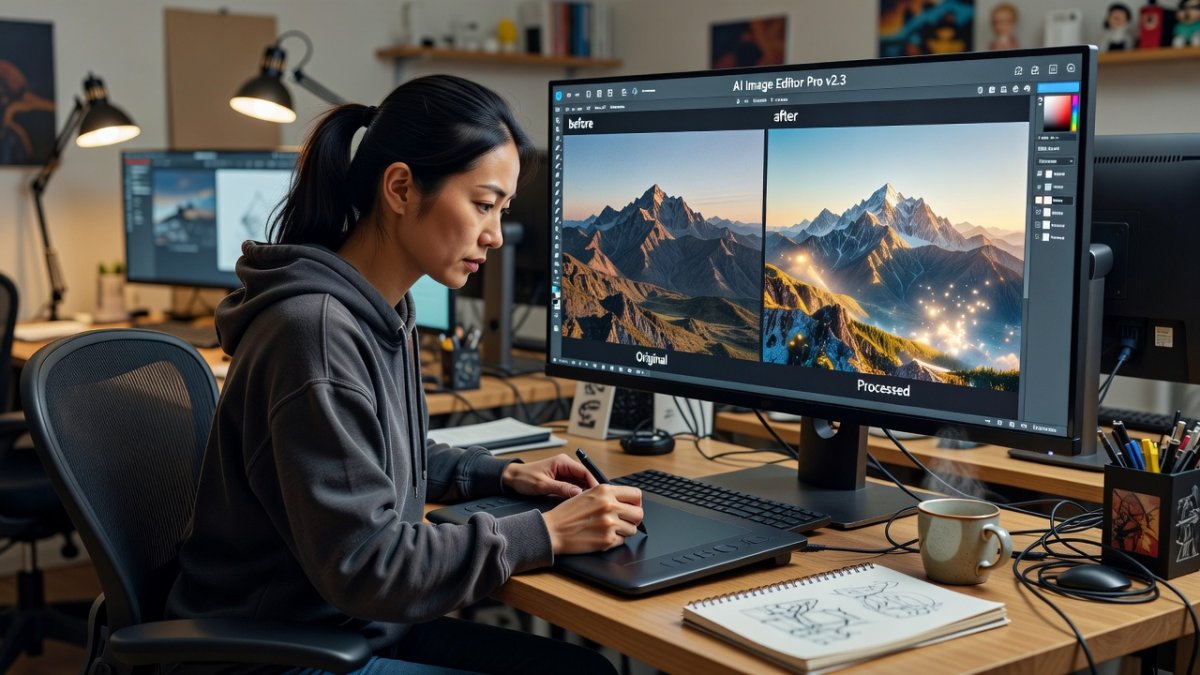
Krea 2 in 30 Seconds
For the uninitiated: Krea 2 is an image generation model from Krea AI, trained from scratch and focused on creative and stylistic exploration. It ships in two flavors. Krea 2 Raw is the base checkpoint -- no distillation, diverse, highly malleable, built for fine-tuning and LoRA training. Krea 2 Turbo is the 8-step distilled version built for fast, high-quality text-to-image. The official recommendation: train LoRAs on Raw, apply them on Turbo.
The quality credentials are not hype. Krea 2 currently sits at number one among text-to-image models from an independent lab on the Artificial Analysis leaderboard, and the open weights landed on Hugging Face under a permissive license. The technical report, published June 23, lays out the architecture and the training pipeline in detail. This is not a toy model. It is a legitimate foundation model with an active community building on top of it.
What the Identity Edit LoRA Actually Does
The Krea 2 Identity Edit LoRA, now at v1.2, is an unofficial community fine-tune of Krea 2 Raw -- not an official Krea product, and the model card is upfront about that. But "unofficial" is doing a lot of heavy lifting here, because the capability list reads like a feature matrix for a commercial editor:
Person re-staging with likeness preservation -- same face, same outfit, down to individual moles and marks, fully relit to a new scene with new camera angles and poses. Local edits -- recolor, add, remove, or replace objects, change attributes and outfits, with near-pixel preservation of everything else in the frame. Replace-with-reference -- the replace verb is trained, and locality holds. Full-image restyles with preserved composition. And two-input edits, where the scene and the person come in as separate references -- "create a photo of this man next to the tractor."
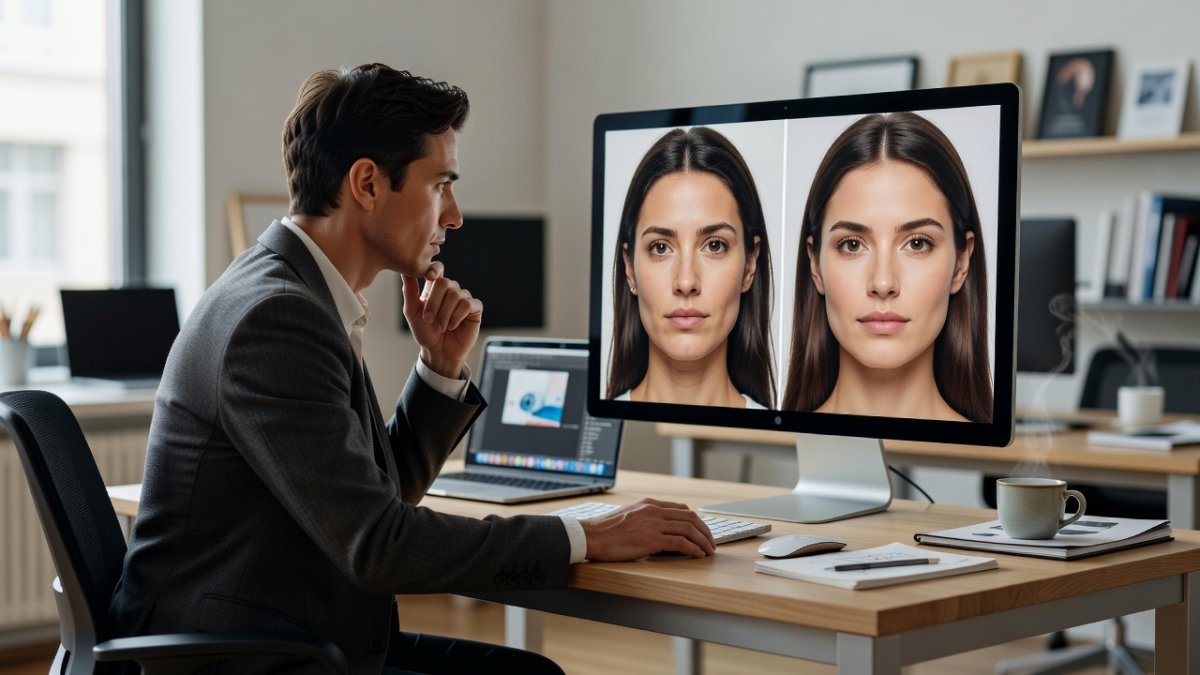
Head Swaps, Outpainting, and Try-On
Version 1.2 added the flashy stuff. Character reference-sheet use and creation. Head, face, eye, and person swap -- trained on stablellama's MIT-licensed change_eye_face_head_person dataset. Outpainting that extends the canvas. Inpainting that fills and fixes. Virtual try-on that puts a garment onto a person. Better person removal. And a higher-fidelity pipeline with a real 1024 high-resolution pass that v1.1 didn't have.
The v1.2 nodes also bring a ref_boost fidelity dial -- essentially a control for how hard the edit holds the reference, with around 4 being a strong-likeness starting point -- and FIT reference geometry, which automatically handles mismatched source and output aspect ratios. That last one is a quiet quality-of-life win: no more stretched or blurry results when your input frame doesn't match your target canvas.
The Tech Under the Hood
This is a 12.9-billion-parameter single-stream MMDiT, and the editing capability comes from dual conditioning -- in-context VAE tokens plus image-grounded Qwen3-VL encoding -- which is exactly why stock ComfyUI nodes won't cut it. The LoRA requires the ComfyUI-Krea2Edit node pack, and two ready-made workflows ship with it.
Here's what makes this structurally different from a closed editor: the Identity Edit LoRA composes with your other LoRAs. Character LoRAs, body LoRAs, style LoRAs all stack on top and steer the result. Closed editors cannot offer that, period. You are not renting a locked tool. You are building a pipeline out of interoperable pieces, and the community is shipping more pieces every week.

Built for Real GPUs
One more thing worth shouting about: the low-VRAM variants. The full v1.2 LoRA runs about 1.8 gigabytes. The r128 variant drops to 0.91 gigabytes, and the r64 to 0.46 -- SVD rank-reduced with more than 99 percent of the weight energy retained, at near-identical quality. That means people on consumer graphics cards with 8 gigabytes of VRAM or less are in the game. The training code is public too, via the krea2edit-trainer ai-toolkit extension, with measured consumer-GPU VRAM requirements published right in the repo.
This is the pattern that keeps repeating in 2026: the barrier to serious AI work keeps falling, and the crowd that builds in public keeps outrunning the crowd that builds behind paywalls.
What This Means
Let's cut through the BS for a second. Adobe and the subscription-editor crowd have spent years monetizing tools like object removal, background extension, and face-aware edits -- the exact capabilities this community LoRA now delivers for free on an open model. The response from the incumbents has been to bundle AI features into ever-more-expensive plans while keeping the models closed and the workflows locked.
The open-source answer is not a feature, it's a philosophy: release the weights, publish the training code, keep the VRAM requirements honest, and let thousands of tinkerers build on top. Krea 2 was already the poster child for aesthetic open-source generation. With Identity Edit v1.2, it just became a credible argument that open editing pipelines can match -- and in composability, exceed -- what the closed suites offer.
There are real caveats. This is a community fine-tune, so quality varies by task, the recommended settings differ between Raw and Turbo depending on what you're doing, and you still need to know your way around ComfyUI. But the direction is unmistakable, and the pace is accelerating.
The Bottom Line
Krea 2 just learned to edit images, and the community that made it happen did it out in the open. If you've been sitting on the sidelines waiting for a reason to dig into ComfyUI workflows, this is your sign. Grab the v1.2 nodes, pull the LoRA, and start experimenting -- the demo video walks you through the whole thing step by step.
Watch the full breakdown on Aitrepreneur's channel, then go build something. And if a company tries to sell you a subscription for object removal this week, you now know exactly what to tell them.
Stay sharp, keep creating, and never let a paywall tell you what your tools are allowed to do.
By Jessica Ali, Staff Writer
---
— Jessica Ali, Global 1 News — cutting through the BS, one story at a time.
This article was produced with AI-assisted research and editorial support. Reporting is based on sources cited in the article.
What's Your Reaction?
 Like
0
Like
0
 Dislike
0
Dislike
0
 Love
0
Love
0
 Funny
0
Funny
0
 Wow
0
Wow
0
 Sad
0
Sad
0
 Angry
0
Angry
0

Editor-in-Chief at Global1.News. Atlanta-based journalist who cuts through the BS and tells it like it is. Lead anchor, host, and the voice you hear when the spin stops and the truth starts.













Comments (0)